20
1-5. User or Admin Login
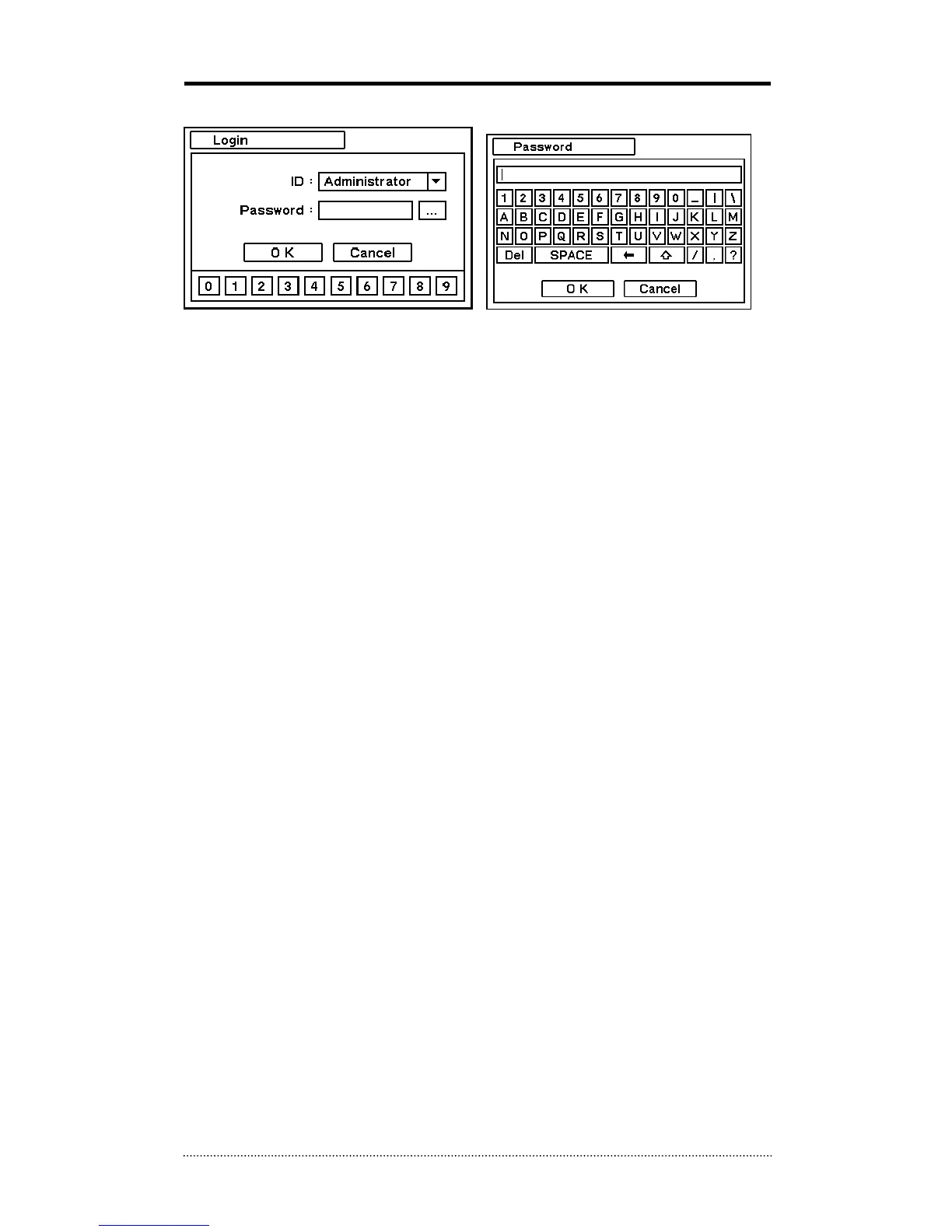
Press MENU to enter main menu screen. Login in screen appears to enter ID and Password.
Password can be set up to 8 numbers by the combination of numbers from 0 to 9. Click numbers
on the bottom to enter password when using a mouse. Click “…” button to pop up virtual
keyboard when using the front buttons or remote controller to enter password.
The factory default password is ‘none’ so press OK to log in to the system for a first time log in.
Password can be set under password set up option (MENU > SYSTEM > User). System will be
automatically log out if it is not in-use for sometime. This "Auto Logout Time" can be set under
password set up option (MENU > SYSTEM > User).



 To Next Page