21
1-6. The Main Menu
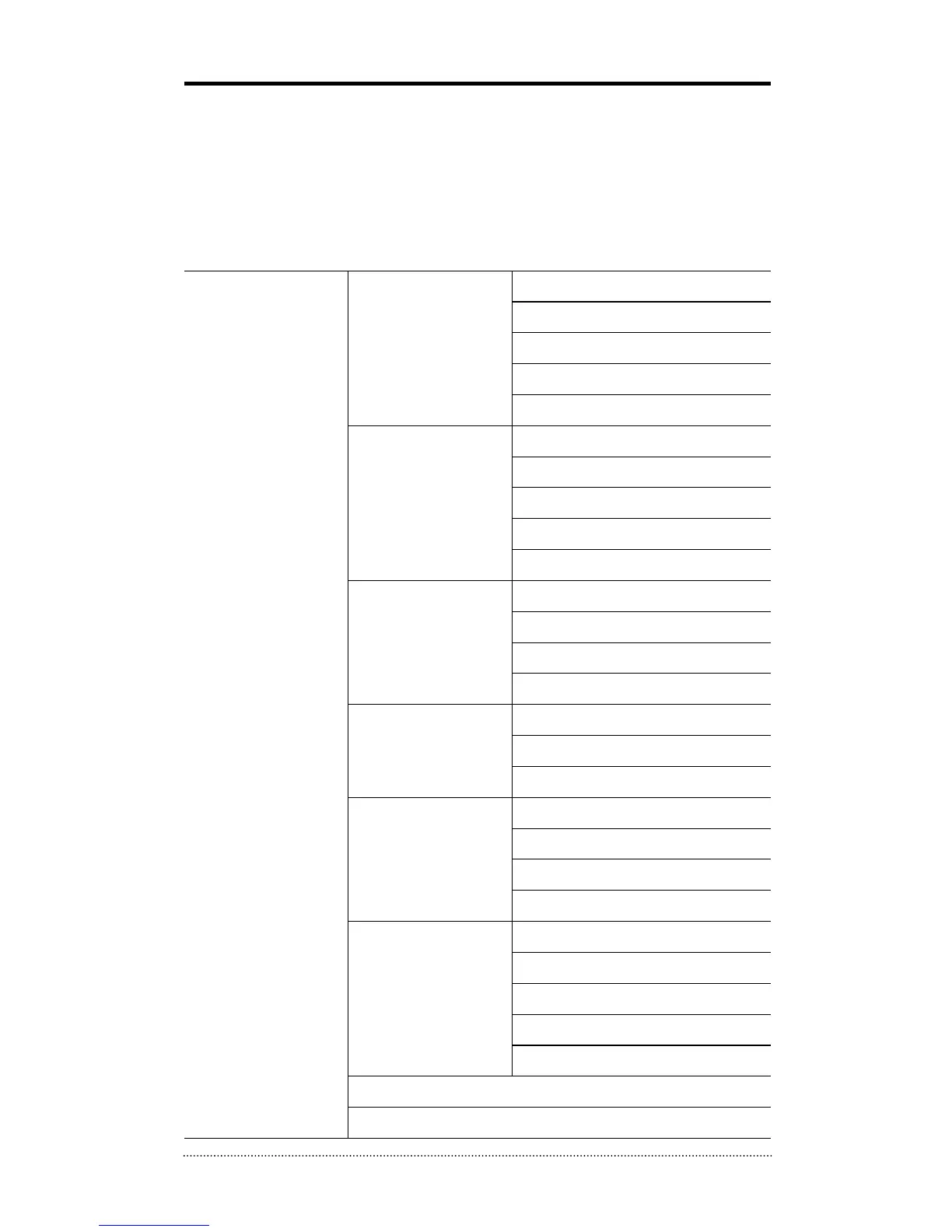
The Main Menu of DVR consists of SYSTEM, DEVICE, DISPLAY, RECORD, NETWORK and EVENT.
And each menu consists of various sub menus that allow detail set up of the system. Use Mouse,
Remote Controller or Front Buttons to access to each menu.
Note
: Please make sure the system log out is done when the system setting or operation
completed to prevent any unauthorized changes of system settings or operations.
MAIN MENU
SYSTEM
Information
Date & Time
User
Quick Setup
System Log
DEVICE
Camera
Audio
Alarm
Keyboard
RS232 & RS485
DISPLAY
Display
VGA
CVBS
Digital Signage
RECORD
Storage
Record
Utilities
NETWORK
Address
DDNS
Notification
Transmission
EVENT
Sensor
Motion
Video Loss
Text-In
System
LOGOUT
SHUTDOWN



 To Next Page