66
3. Setup
3-1. Remote Software Setup
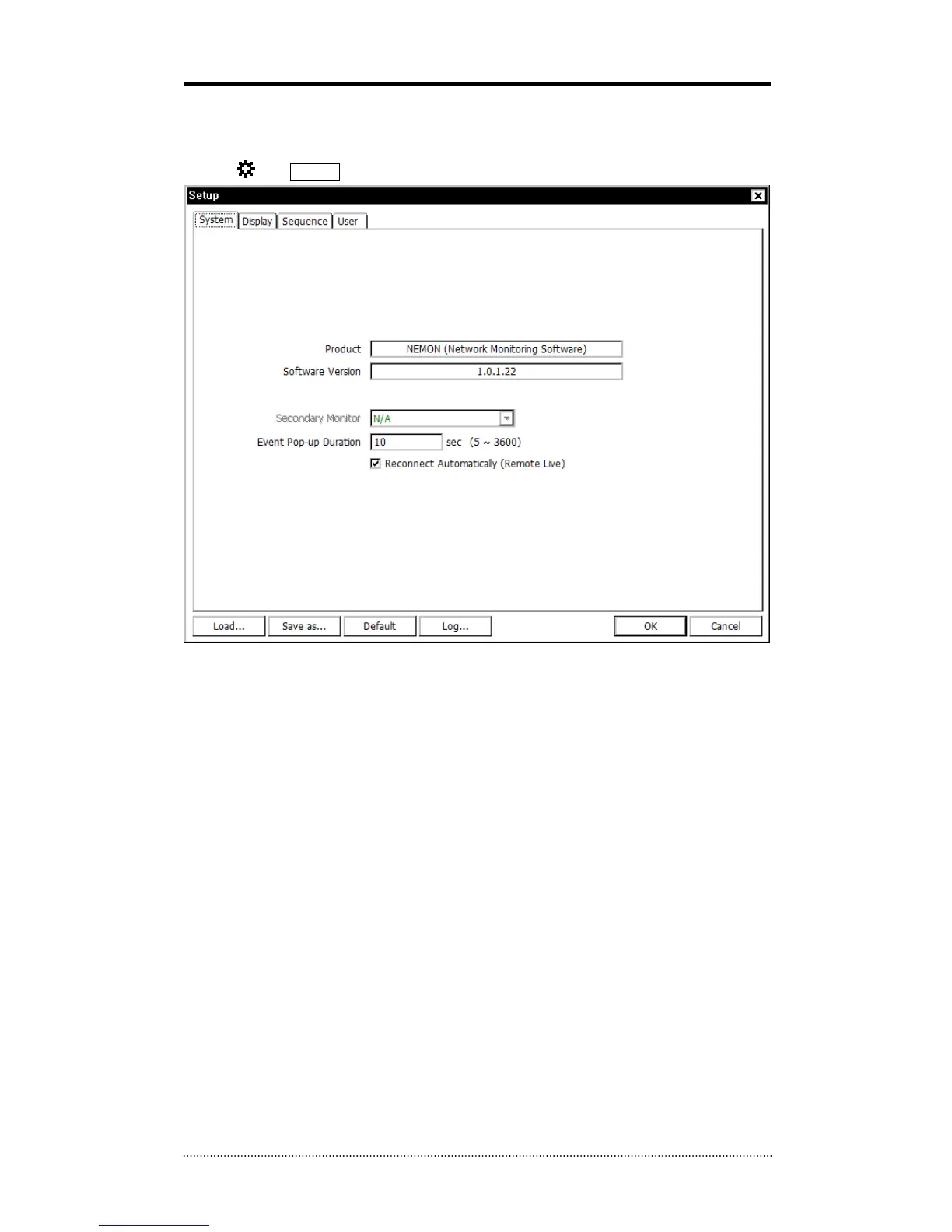
Click on and Setup to enter the remote software setup menu.
Product: Displays general information of the S/W
Software Version: Displays current S/W version
Secondary Monitor: Select the secondary monitor when using multi monitors on PC
Event Pop-up Duration: Set the time duration for a camera display when it is displayed in full
screen mode in case of event.
Reconnect Automatically: Set auto reconnection on Live if the connections is ended by any
chances.
Load: Load saved data for settings for remote software
Save as: Save current settings of remote software
Default: Set default settings of remote software
Log...: Displays the history of S/W usage



 To Next Page