65
2-6. Play Independent HDD Data on PC
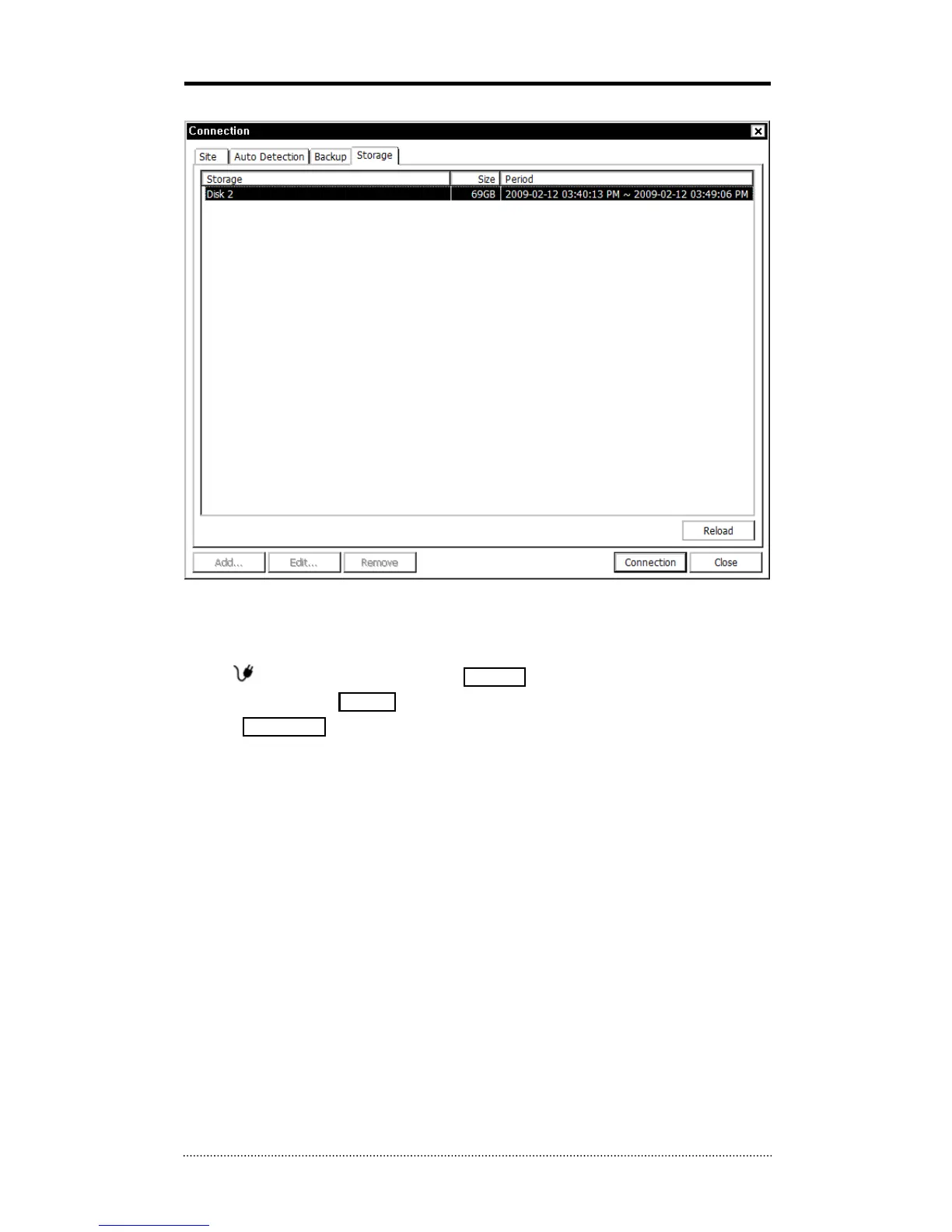
Independent HDD (removed from a DVR) data can be played on PC using the remote software.
Have the HDD connected to PC using a SATA to USB connector cable. Make sure the HDD is
connected to PC properly
Select
button during the playback. Click Storage tap to display HDD information (if HDD
is not shown please click Reload button to refresh the list). Double click the list or highlight
and click Connection button.



 To Next Page