75
Appendix B. How to set DDNS using router
(Except using public IP or connect with ADSL directly)
Make it easy to understand through the example as below. Please refer the Diagram and follow
this instruction. For example, If you connect 3 DVRs through local Network.
1. Domain Name Creation
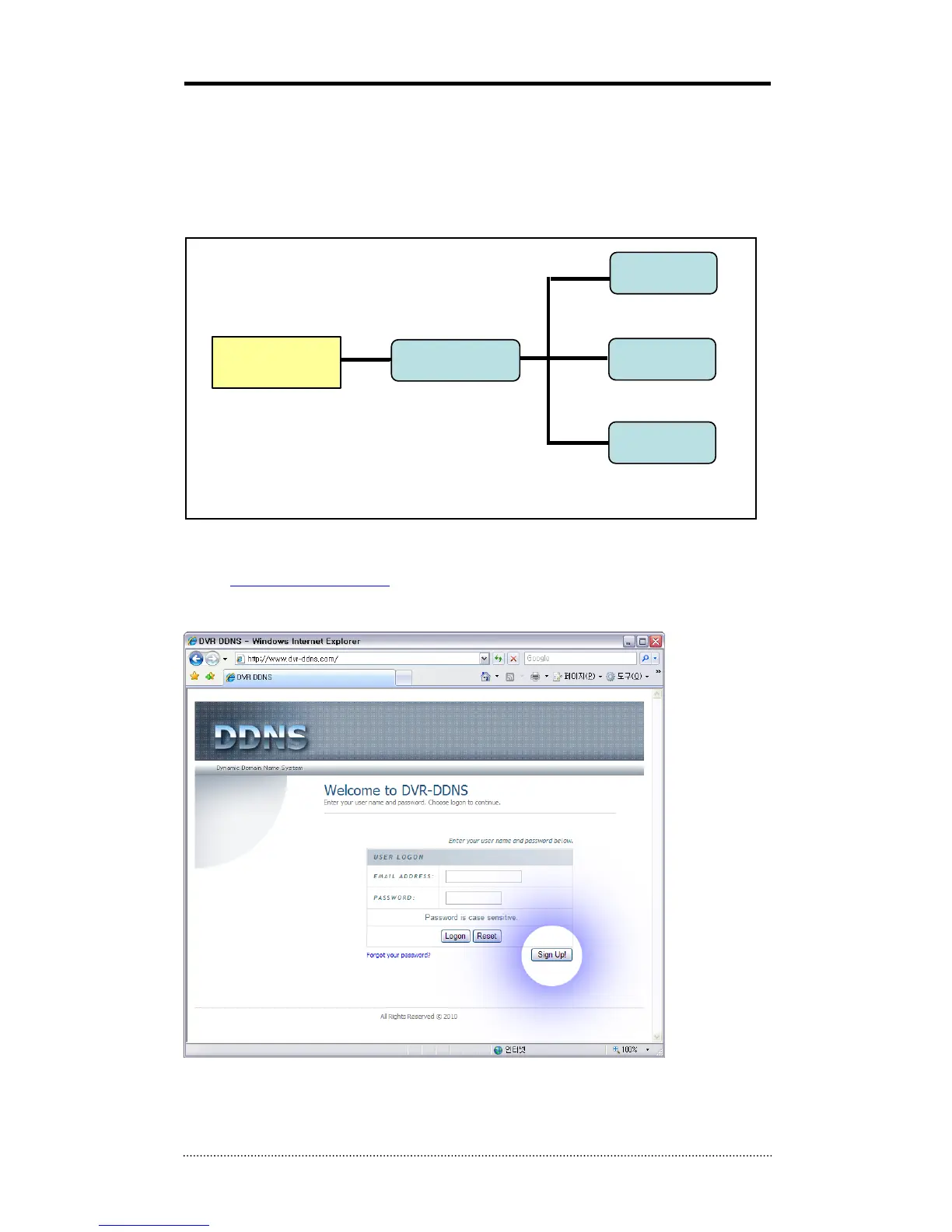
- Go to http://www.dvr-ddns.com/
- Click ‘Sign up!’ to make the Account.
ROUTER
DVR 1
DVR 2
DVR 3
EXTERNAL
USER
Public IP : 203.208.1.150
Private IP: 192.168.1.1
IP: 192.168.1.10
PORT : 10101~10103
IP: 192.168.1.11
PORT : 10104~10106
IP: 192.168.1.12
PORT : 10107~10109



 To Next Page