32
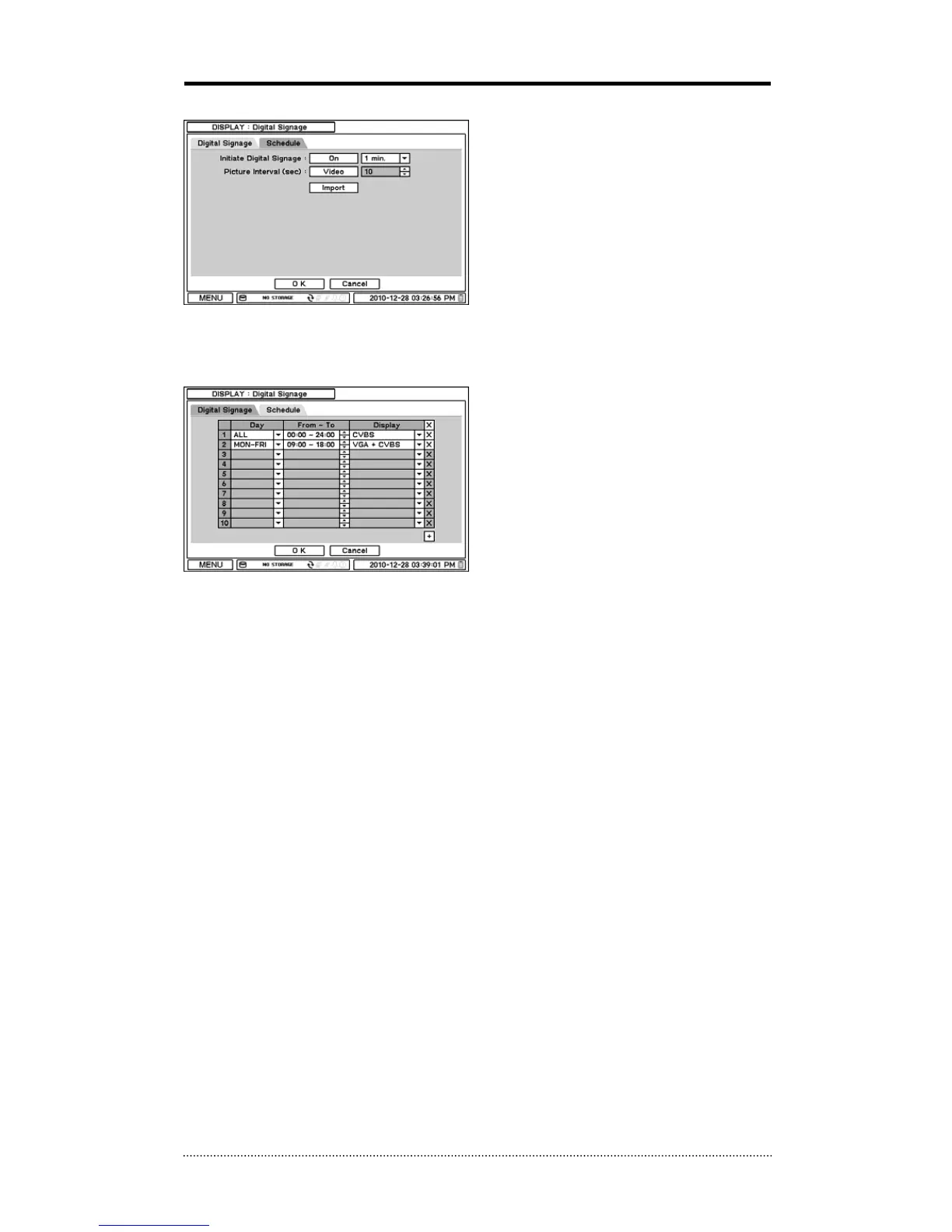
2-3-4. MENU > DISPLAY > Digital Signage
Initiate Digital Signage: Set Initial Digital
Signage as On to display imported Digital
Signage Data. Set a time next to it to initiate
Digital Signage after system is not in use for
the time set.
Picture Interval (sec): Select the type of
data to be displayed under Digital Signage
mode. Select either Video or Image data format.
Select the interval time for image data.
Import: Retrieve prepared Digital Signage data on USB Memory. Please refer to Appendix C. for
how to prepare video digital signage.
Schedule: Schedule Digital Signage by time
and date.



 To Next Page