71
3-3. Remote Upgrade
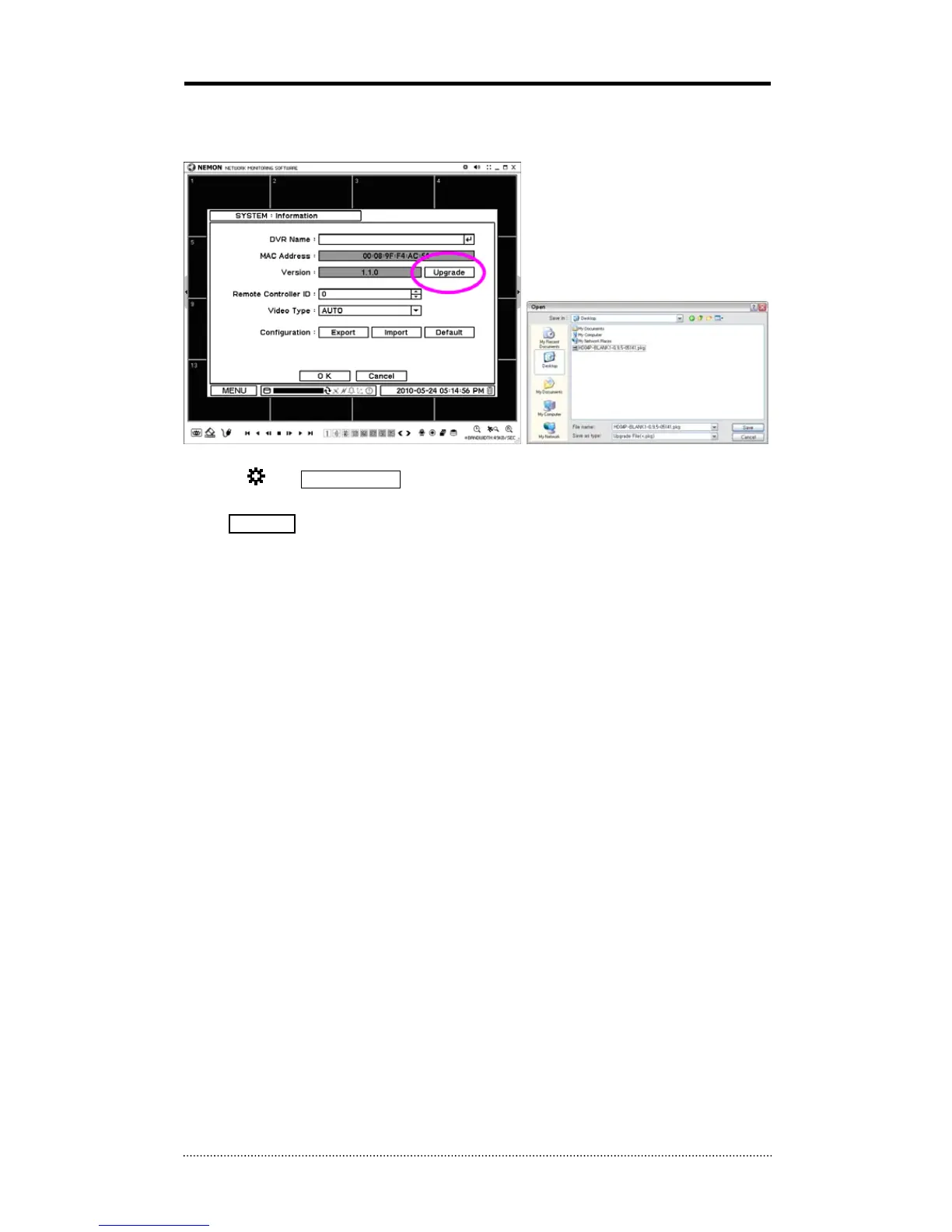
The system upgrade can be done through the remote software program on PC.
• Click on
and Remote Setup to enter remote setup menu.
• Select Information under System.
• Click Upgrade next to S/W version to find a file for upgrade
• Select the file location and the file to upgrade the system.
Note
: Please do not close down the remote software or power off a computer until the system
upgrade is completed.



 To Next Page