87
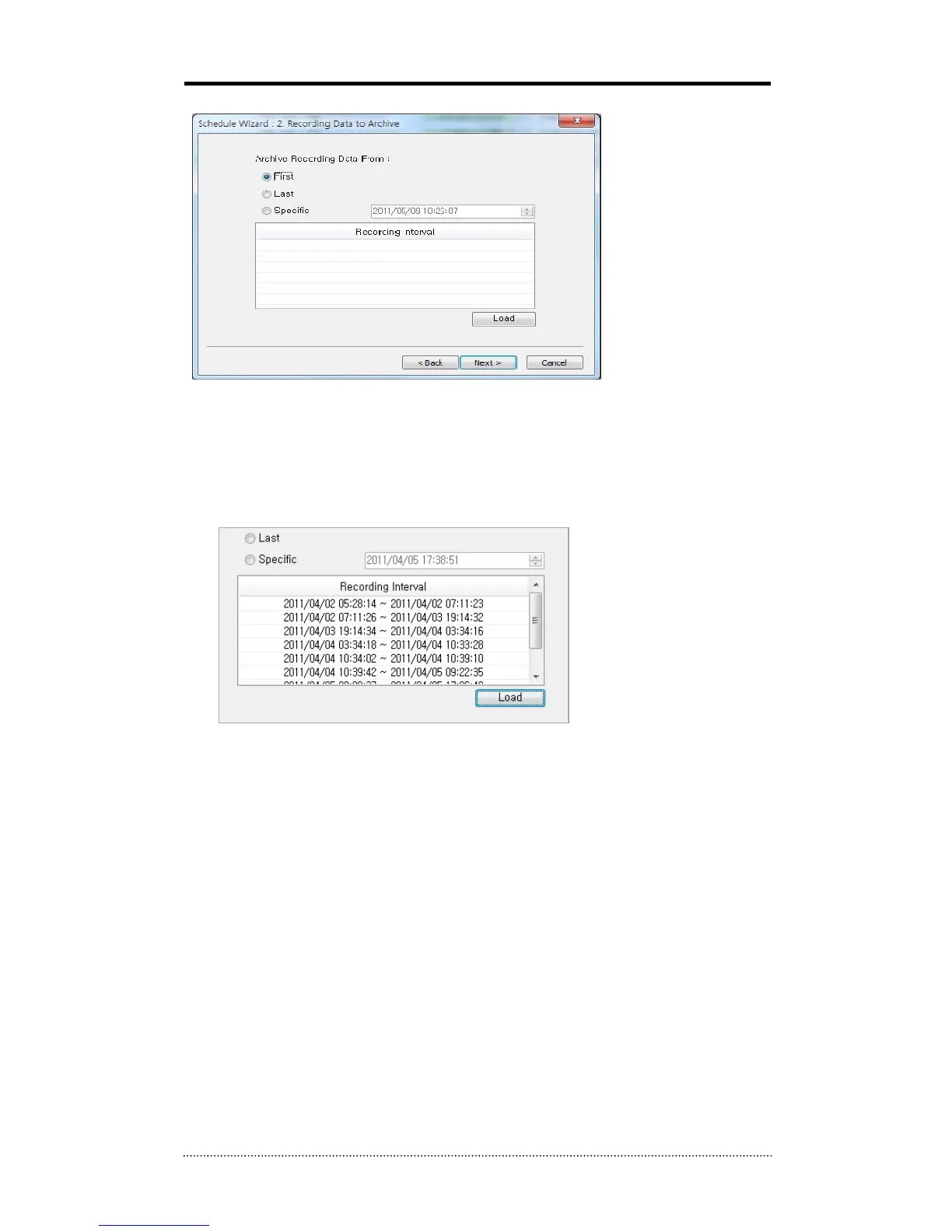
Step 2) Selecting a starting point of data for Remote Archiving.
First : Archiving from the very beginning of recorded data on DVR.
Last : Archiving from the latest recorded data on DVR.
Specific : Archiving from designated point by user. If data doesn’t exist on the designated point,
archiving will start from the latest data right after the designated point.
Load : Shows the status of recorded data on the DVR. It is displayed on Recording Interval List.



 To Next Page