How to operate the main unit with an optional Interface Adapter for iPod connected
97
XIX
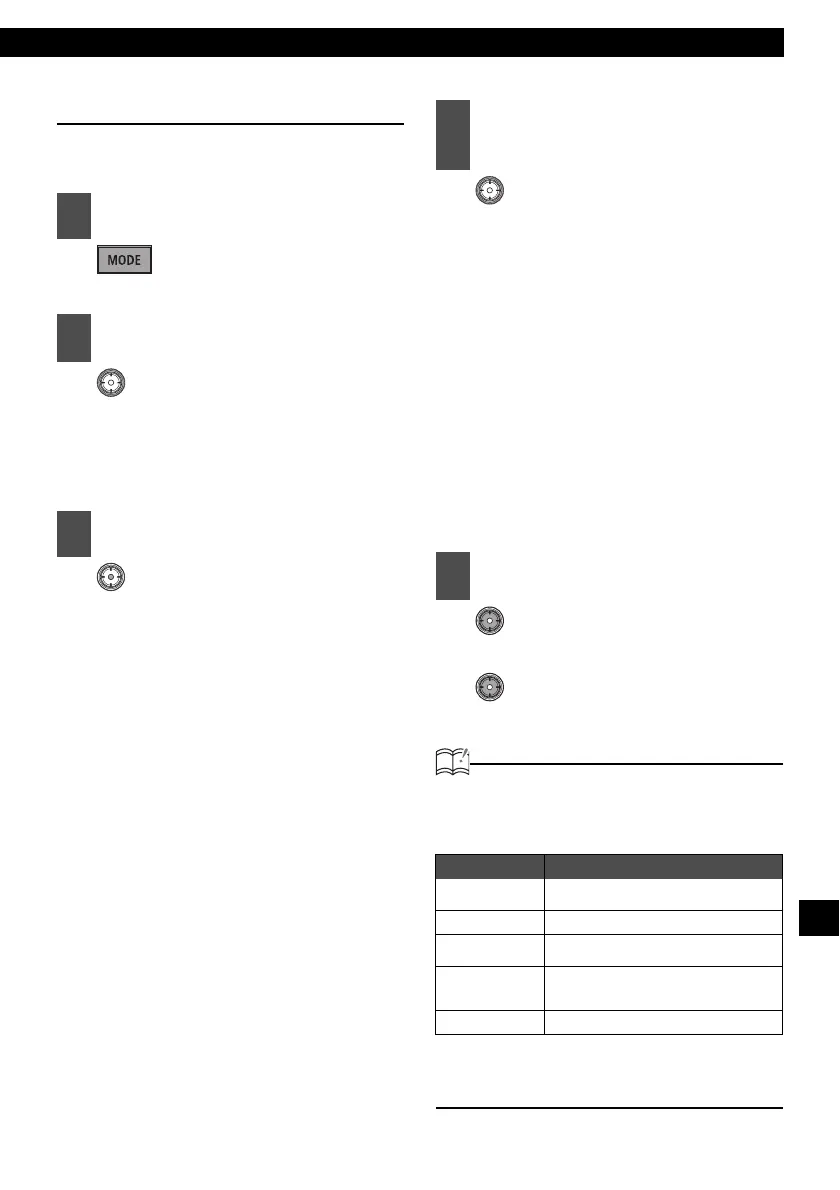
Searching for a music file
The iPod search mode can be operated from the
main unit.
:
The search mode is activated.
:
Search mode items are selected in
the following order.
Playlists ↔ Albums ↔ Artists ↔
Genres ↔ Songs ↔ Playlists
:
The following information is dis-
played according to the selected
search mode item.
Playlists:
The playlist selected on the iPod is
displayed
Artists:
Artist names are displayed
Albums:
Album names are displayed
Songs:
Music file names are displayed
Genres:
Genre names are displayed
:
If SONGS is selected, the selected
song will be played. If another
search mode item is selected, con-
tinue the selection process until
you have selected a song.
All files in the selected list (playlist,
artist, album or genres) will be
played back and repeated.
After selecting the desired search
mode item (ARTIST, ALBUM or
GENRES), press button [1] to play
back all files in that item. No files
can be played back even if button
[1] is pressed after selecting PLAY
LIST.
(Up):
10 tracks backward
(Down):
10 tracks forward
ATTENTION
• Each search item mode will display
information in the following order before
displaying music file information.
• The ALL option on iPod is displayed in the
Playlists search mode. Select Playlists to
play back all files.
1
Press the [MODE] button.
2
Turn the [VOL] button to select the
search mode item.
3
Press the [ENTER] button.
4
Turn the [VOL] button to select the
desired search mode item, and
then press the [ENTER] button.
5
Press the [SELECT] (Up/Down)
button.
Search mode Display order
Playlists:
Playlists → Songs
Artists: Artists → Albums → Songs
Albums:
Albums → Songs
Genres:
Genres → Artists → Albums →
Songs
Songs: Songs



 To Next Page