Page 10
ecom-B
The position of the measured and calculated values (gas analysis)
can be selected freely on the display. To change the position or the
composition, please proceed as follows:
-with <Enter> / <Display values> / <Enter> activate the first line on
the display
-choose with curser key the measured or calculated value
-with <Enter> activate the next line on the display and so on
-with <ESC> or <Enter> in the last line you leave this process.
The values for CO
2
, Efficiency, Losses, Lambda and the Dew Point
are calculated values. They just can be calculated when realistic
figures for the basic values like O
2
and the temperature are available.
It must be assured that:
O
2
< 20,5 % and T.Gas – T.Air > + 5°C
The dew point can just be calculated correctly if in the menu “Ad-
justments / Air pressure” the current barometric air pressure has
been entered. If the combustion gas temperature falls below the dew
point /between 25 and 65°C) the efficiency will be calculated with
condensation gain. In this case a (C) is displayed behind the effi-
ciency . Correct measurement values are displayed after a delay of 1
to 1,5 minutes necessary for the gas transport to the sensors and to
establish a stable electrochemical reaction in the sensors. For stor-
age and printing wait for the values to become stable. If the gas val-
ue still fluctuates for more than 2 ppm, the reason could be in an
unstable draft condition in the gas channel.
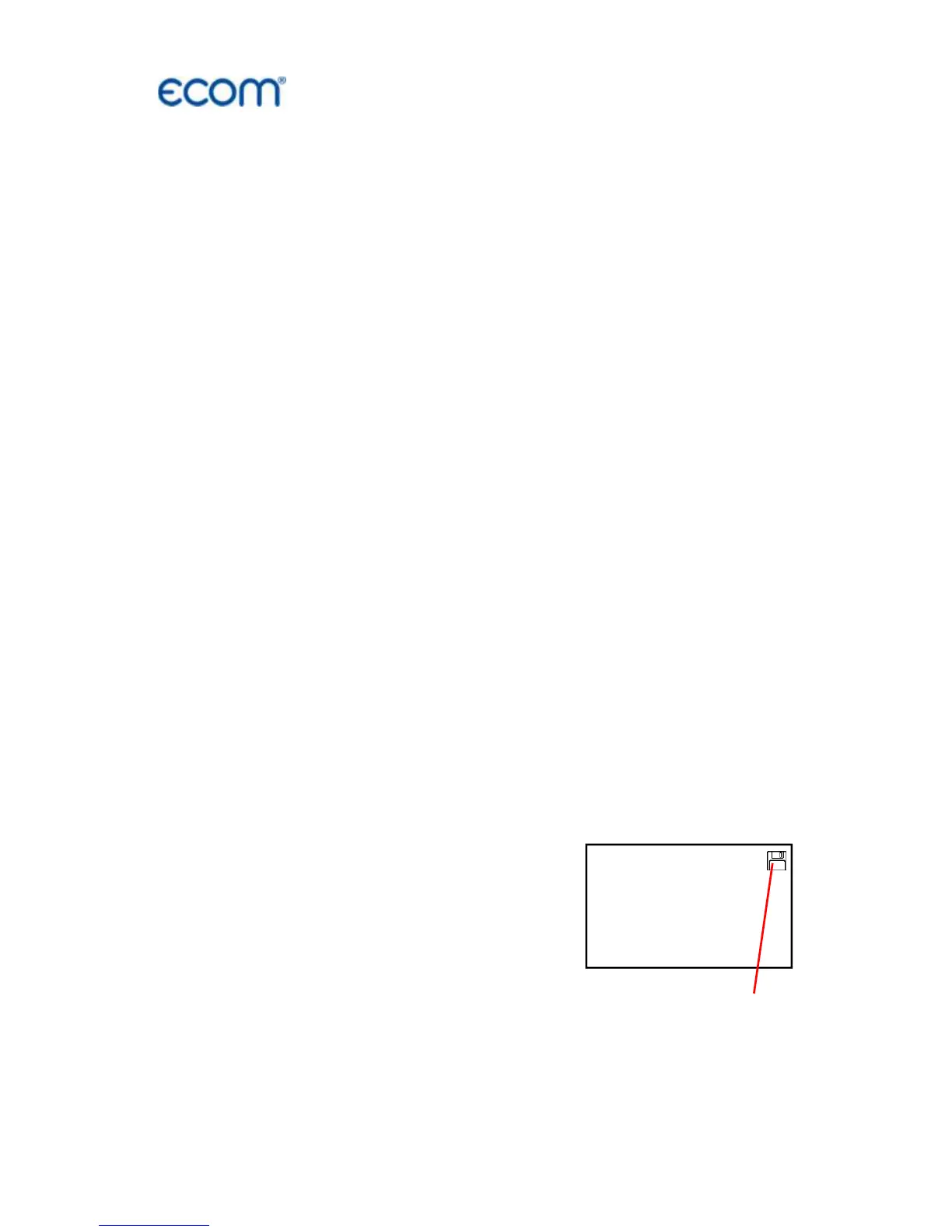
Once the measurement values are stable
and the results can be printed, press
<store> to transfer the values to the tem-
porary memory. Data will be stored here for
later printout (the values of the temporary
memory could be checked by pressing
<Enter> / <store> / <Enter>. While check-
ing the values the gas pump will be
switched off in order to spare the sensors.
(back with <ESC>).



 To Next Page