Page 24
ecom-B
6.3. Diagnosis gas
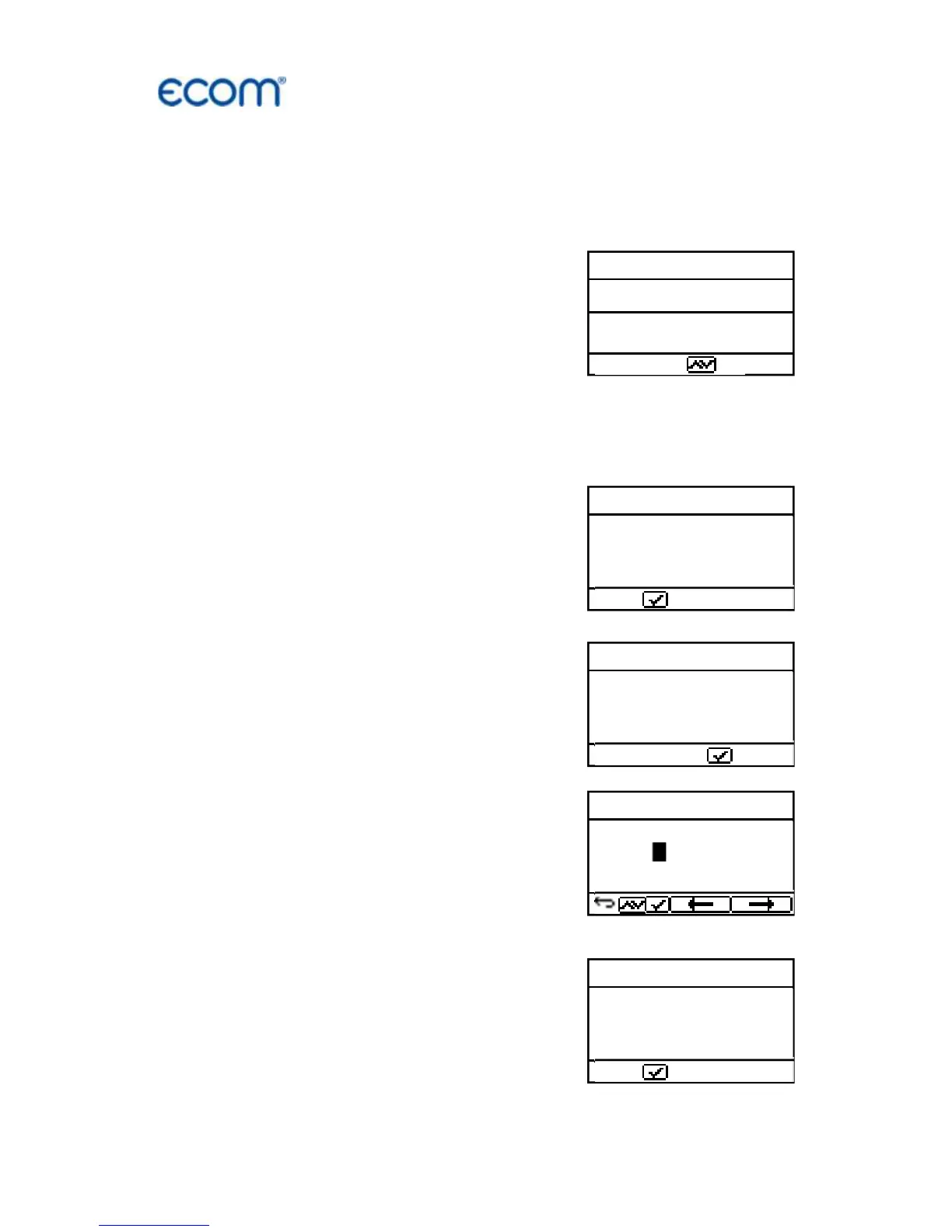
Select from the main menu the sub menu “Diagnosis Gas” and
press <Enter>. The table of fuel types will be displayed. Following
fuel types can be selected:
Natural gas (B)
Town gas (B)
Coke gas (B)
Liquid gas (B)
Select with the arrow keys the correspond-
ing fuel type and confirm by pressing <En-
ter>.
First the thermal capacity brought to the
boiler can be determined with the ecom-B.
For this the gas meter has to be observed.
By pressing <Enter> a stopwatch can be
started and stopped. The amount of gas
consumed in the meantime is necessary
for calculation and is entered as follows:
1. Select the position which should be
changed with the keys <store> (left) and
<Print> (right) (corresponding field flashes)
2. Set the value by using the cursers <up /
down>.
After setting and confirmation by pressing
<Enter> the result of the calculation will be
displayed and stored. Calculation can be
repeated if needed. For calculation follow-
ing heating values are taken:
Natural gas (B) = 9,53 kWh/m
3
Town gas (B) = 5,00 kWh/m
3
Coke gas (B) = 4,83 kWh/m
3
Liquid gas (B) = 25,90 kWh/m
3



 To Next Page