Page 14
ecom-B
5. Mean value (option)
By mean value measurement function, measurements can be sam-
pled within an adjustable time frame and mean values can be calcu-
lated. Should the several measurement values or the mean value
result be stored a storage place has to be selected as described in
chapter 4.
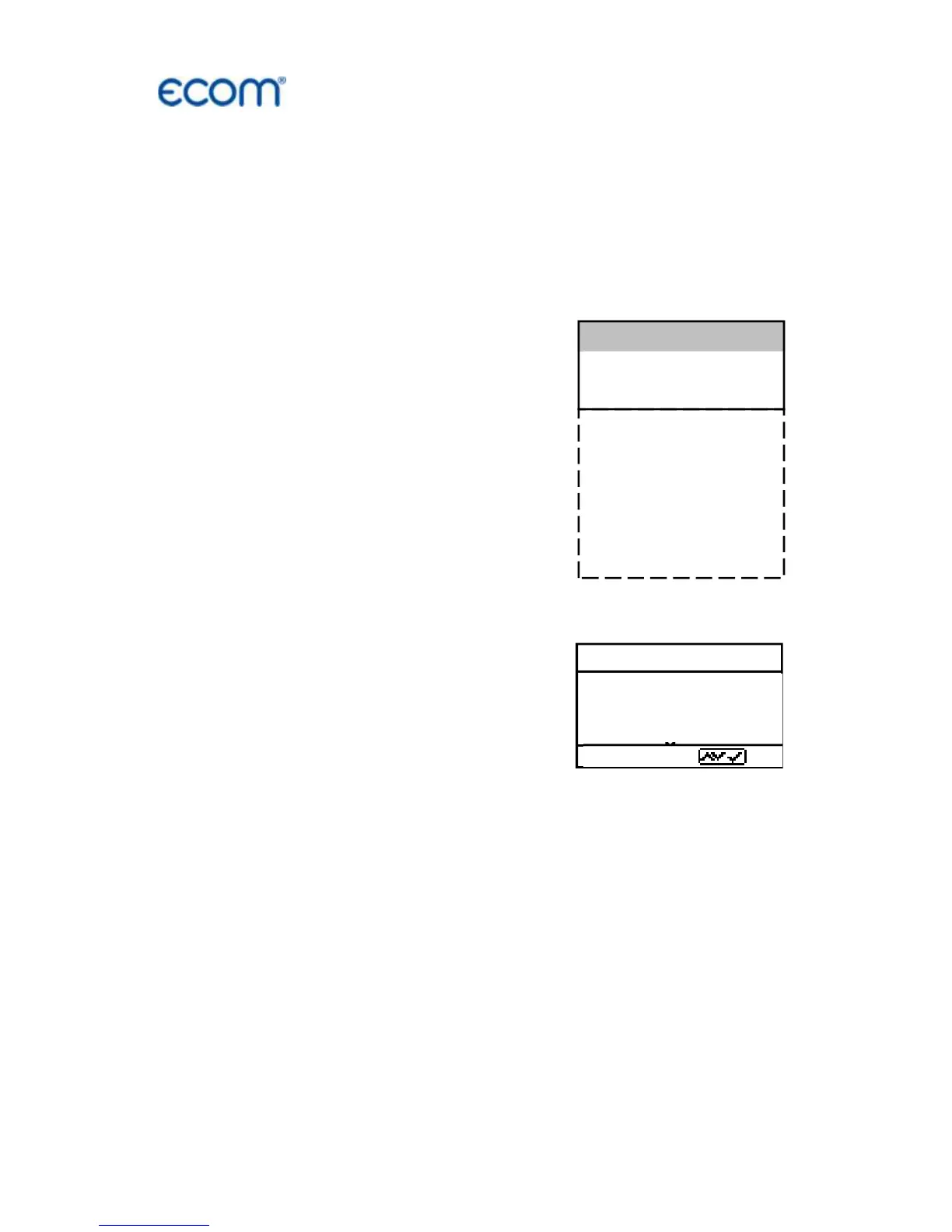
Once the fresh air calibration is com-
pleted, select the menu point „Mean
values“. Before starting, the parame-
ters „Measurement time“ and „Scan-
ning“ should be checked or modified if
need be. The meaning is respectively:
- Measurement time = Time frame
during which the mean values will
be sampled
- Scanning = Time interval between the
measurements considered for mean
value calculation
„Measurement time“ and „Scanning“
can be adjusted as follows:
- select menu point and confirm with
<Enter>
- set the desired time using the cursor keys
After adjustment / control the measurement can be started by
<Start> / <Enter>. With the cursor keys <up/down>, it is possible to
switch between current and average readings. The measurement
can be interrupted by pressing <Standby> (pressing <Standby>
again sets the measurement continued).



 To Next Page