Page 12
ecom-B
4.4. Soot...Oil trace
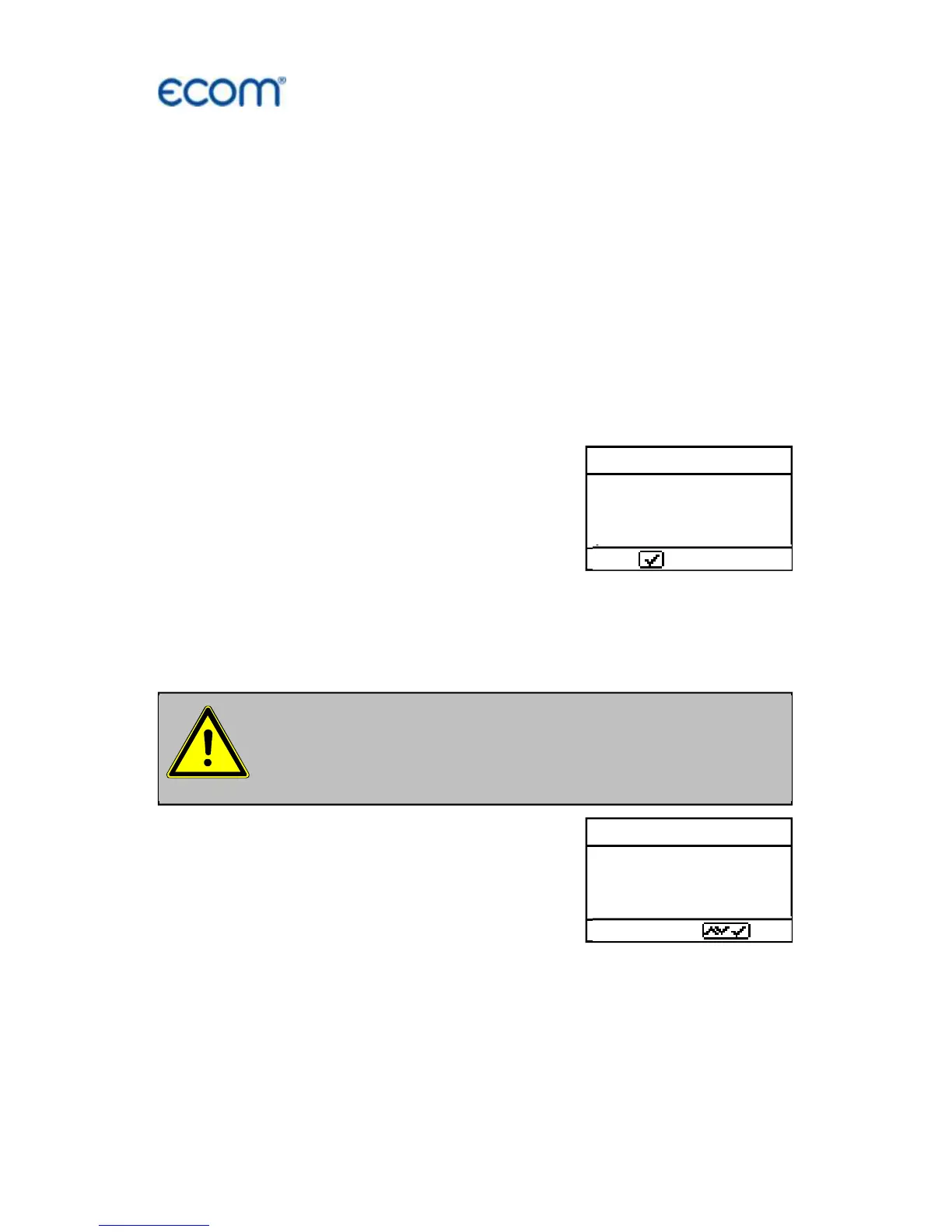
Under „Soot...Oil trace“ the measurement results for boiler temper-
ature, soot number and oil derivative can be entered. Select the cor-
responding line in the display and activate the entry by <Enter>. The
input for boiler temperature and soot number (3 measurements) can
be done as follows:
-select with the keys <store> (left) and <Print> (right) the position
which should be changed (corresponding field is blinking)
-enter the designated number with the curser keys <up/down>
By pressing the key <Enter> the entry will be transferred to the data
record of the measurement. The result of the oil derivative checking
will be documented as follows:
-set cursor to line „Soot...Oil trace“
-select the result with the key <Enter>
(“No”, “Yes” or “- - - “)
When all necessary entries have been made the entry can be closed
by pressing the key <ESC>. The measurement is now completed.
4.5. Record and print Measurement
After scrolling back to the gas measure-
ment with the cursor keys <up/down> the
measurement can be transferred to the
internal memory with <Enter> / <Store to
memory> / Enter> (after successful stor-
age an “M” will appear right down in the
display). Finally a print-out (IR printer re-
quired) of the results can be made (key
<Print>).



 To Next Page