ecom-B Page 7
2. Switch on Instrument
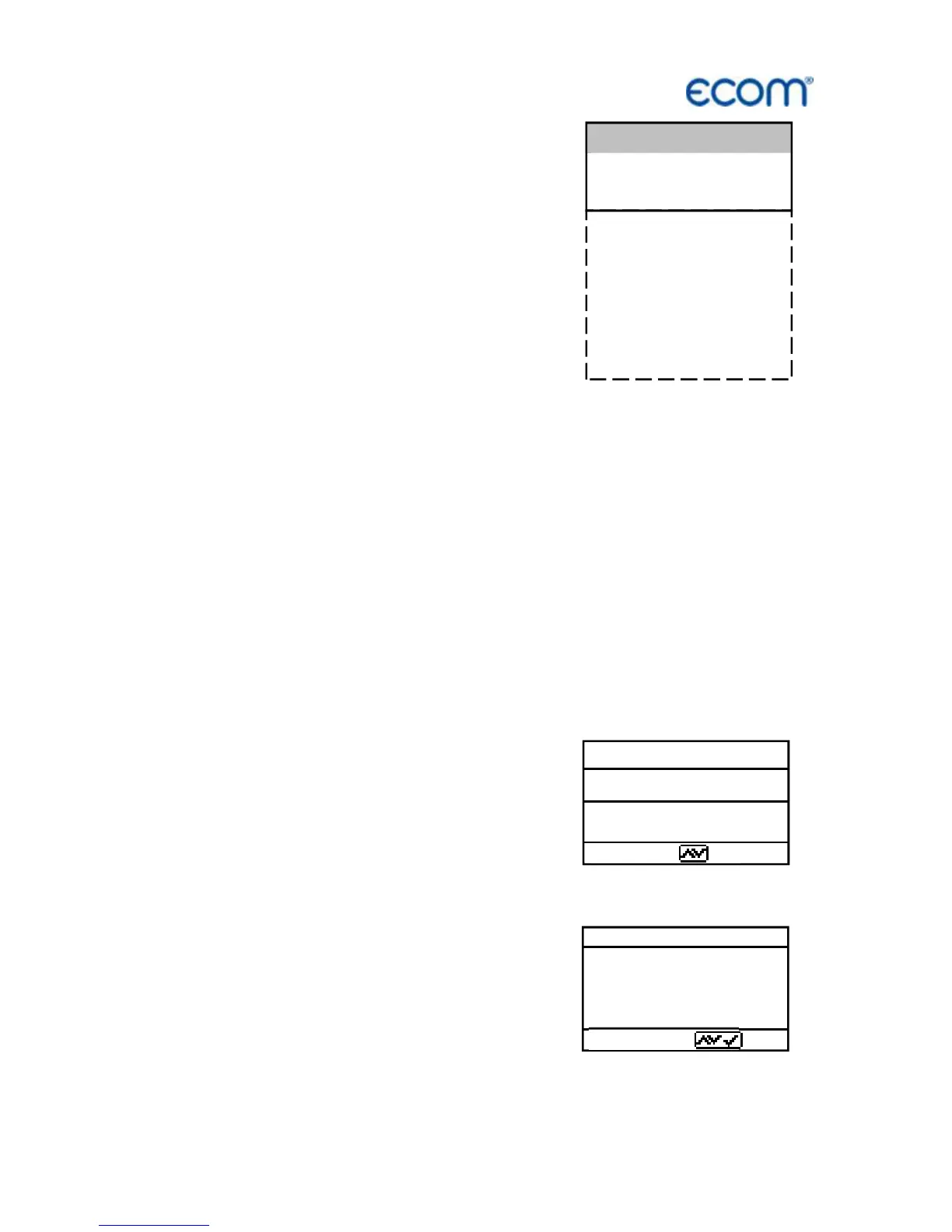
After switch on the instrument (press <I/0>)
the main menu appears on the display.
There will be displayed sub-menus with
following functions (not visible sub-menus
could be displayed by scrolling with arrow
keys):
Comb. measure. : operate combustion measurement
(Mean value : operate mean value measurement)*
(Atmospheric boiler : operate routine for atmospheric boilers)*
(Fan burner : operate routine for fan burners)*
(Diagnostic gas : operate routine for gas fireplaces)*
(Pressure tests : pressure tests according to TRGI)*
(Data processing : assign measurements / Data transfer)*
Adjustments : change adjustments of instrument
Control : check operating status of instrument (* = Option)
To perform measurements, select with the cursor keys the sub-menu
"Gas analysis" and confirm with <Enter>. The instruments starts
then a 1- minute calibration phase and the fuel types selection list is
displayed. The following fuel types acc. to 1
st
BImSchV are available:
Fuel oil (B)
Natural gas (B)
City gas (B)
Coke oven gas (B)
Liquid gas (B)
Use the cursor keys to select the desired
fuel type and confirm with <Enter>. The
instrument will then enquire if you wish to
use the data bank (only with option „Data
processing“).If you want to assign the
sampled data to a specific plant, so choose
„YES“ with the cursor keys and confirm
with <Enter>. („NO“ = measurement will
be performed without assignment).



 To Next Page