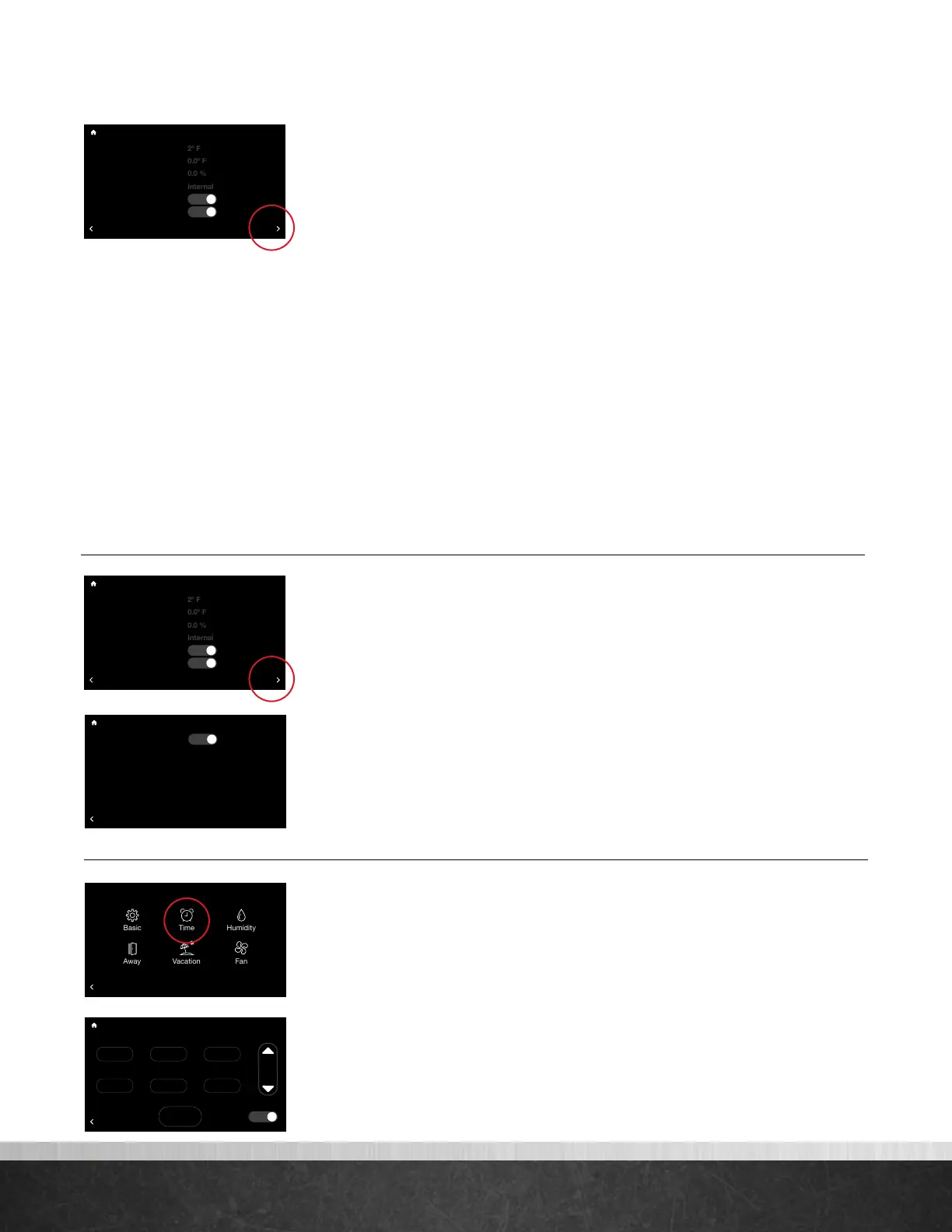
Settings (con’t)
More >
Set Point Deadband – This is the minimum difference between heating and
cooling set points in Auto mode. The default is 2 degrees. This setting is
configurable between 0 and 6 degrees. A 0 degree deadband means your system
will switch between heating and cooling to maintain the specified set point. The
smaller the deadband setting the more frequently your system will switch between
heating and cooling.
Temperature Oset – This is an offset applied to the displayed room
temperature. A negative offset will cause the displayed indoor temperature to
be less than the sensed temperature. A positive offset will cause the displayed
temperature to be higher than sensed temperature.
Relative Humidity Oset – This is an offset applied to the indoor relative
humidity. A negative offset will cause the displayed relative humidity to be less
than the sensed relative humidity. A positive offset will cause the displayed relative
humidity to be higher than sensed relative humidity.
Note: You should allow the thermostat to calibrate in the conditioned space for 30 minutes before
adjusting offsets.
Room Sensor Selection – You can wire a remote 10K temperature sensor*
to the EcoNet Smart Thermostat. If a remote temperature sensor is connected, you
can choose to use the remote sensor, internal sensor on the Smart Thermostat or an
average between the two for current indoor temperature.
*Optimized for use with an Aprilaire 8051 indoor temperature sensor.
Proximity Sensing** – Selecting ‘No’ will disable the motion sensor. To
activate the thermostat, you will need to tap the screen.
**Motion Sensor may not be available on all units.
Smooth Arrival – The thermostat will start recovery at the optimum time to
ensure the set point is reached at the scheduled time. If a setback in temperature is
scheduled, for either cooling or heating, the set temperature is ramped to the next
scheduled set temperature 60 minutes before the next time period.
Backlight Enabled – When the thermostat is not being used it will enter
standby mode. The default screen brightness in standby is 1%. You can turn off the
Backlight when in standby by selecting “No.”
Time & Date (Menu > Settings > Time)
Set the current time and date. Your schedule times, vacation events and weather
forecast will be based off the time entered on this screen. It is important to ensure
the correct date and time are programmed before
setting your schedule.
DST – At the bottom of this screen you can elect to enable or disable
daylight savings time.
Settings (con’t)
75
Home 44%
72
80
75
44%
80
65
Away
Resume Schedule
BACK
Time and Date
2 :
38
pm
Jan
29
2018
D.S.T.
Accept
Yes
75
Home 44%
72
80
75
44%
80
65
Away
Resume Schedule
BACK
Settings
Installer
75
Home 44%
72
80
75
44%
80
65
Away
Resume Schedule
BACK
Basic Settings
Backlight Enabled?
Yes
75
Home 44%
72
80
75
44%
80
65
Away
Resume Schedule
Set Point Deadband
Temperature Offset
Relative Humidity Offset
Room Sensor Selection
Proximity Sensing?
Smooth Arrival Enabled?
BACK
Basic Settings
Yes
Yes
MORE
75
Home 44%
72
80
75
44%
80
65
Away
Resume Schedule
Set Point Deadband
Temperature Offset
Relative Humidity Offset
Room Sensor Selection
Proximity Sensing?
Smooth Arrival Enabled?
BACK
Basic Settings
Yes
Yes
MORE
EcoNet
®
Smart Thermostat User Guide 13
> Return to Table of Contents



 To Next Page