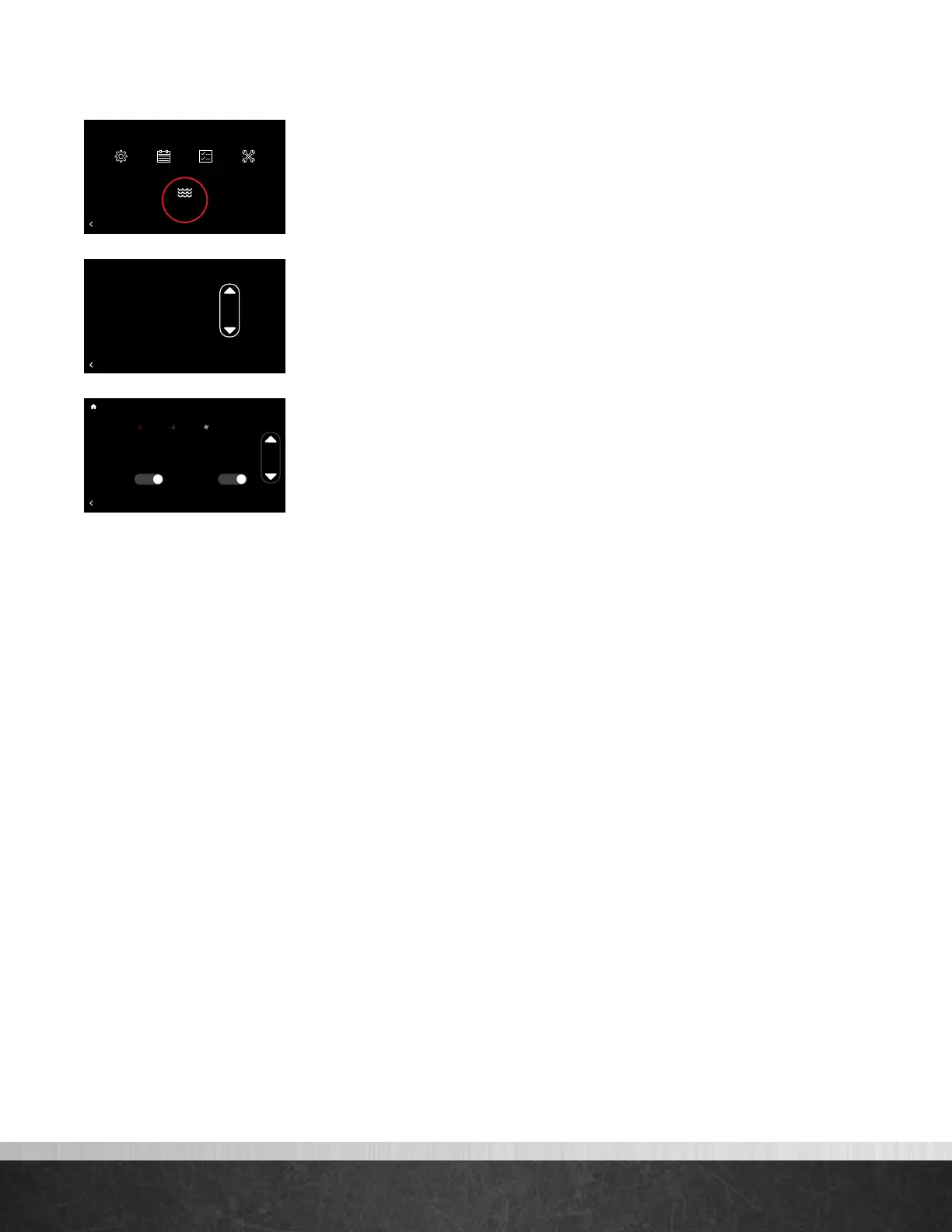
Water Heating
If an EcoNet Enabled water heater is connected to the system, you will see a
Water Heating icon under Menu.
When a water heater is connected you can:
• View current state of operation
• View and change the set point
• Elect to have the water heater follow a Vacation event
(water heater set point is lowered to 72°F).
• Receive a notification on the thermostat if a water
heater alarm is active
75
Home 44%
72
80
75
44%
80
65
Away
Resume Schedule
BACK
Menu
Settings
Schedule
Status
Water Heating
Service
75
Home 44%
72
80
75
44%
80
65
Away
Resume Schedule
BACK
Heat Pump Water Heater Gen 4 Unit 1
Current State: Pre-Warm Mode
120
75
Home 44%
72
80
75
44%
80
65
Away
Resume Schedule
BACK
Vacation Settings
85º
Auto65º
Start:
End:
Vacation
02:00 pm Jan. 29 2018
02:30 pm Feb.
10
2018
Yes
Water
Heater
Yes
EcoNet
®
Smart Thermostat User Guide 21
> Return to Table of Contents



 To Next Page