Settings (con’t)
Smart Control – Smart Control is used to reduce or prevent water condensation
on the inside of windows while humidifying in the winter season. The control
monitors indoor and outdoor temperatures and reduces the humidification
percentage according to the Smart Control level chosen by the user. Start out with
the Low setting. If objectionable condensation occurs on windows, choose the
Medium or High setting.
Humidify With Fan – If there is a call to humidify and the fan and heating/
cooling are off, the fan will be forced on to humidify. Select the desired fan speed
from Low to High.
Note: Humidification is only available if a humidifier is installed.
How to test a humidier
Adjust the humidify set point up to ‘TEST’, select Humidify during “Heat/Fan”, then turn on a continuous fan speed on
the Fan screen under Settings. This should force the humidifier to run. This setting will last for 30 minutes, where the
maximum setting will return to 4% below the dehumidification set point.
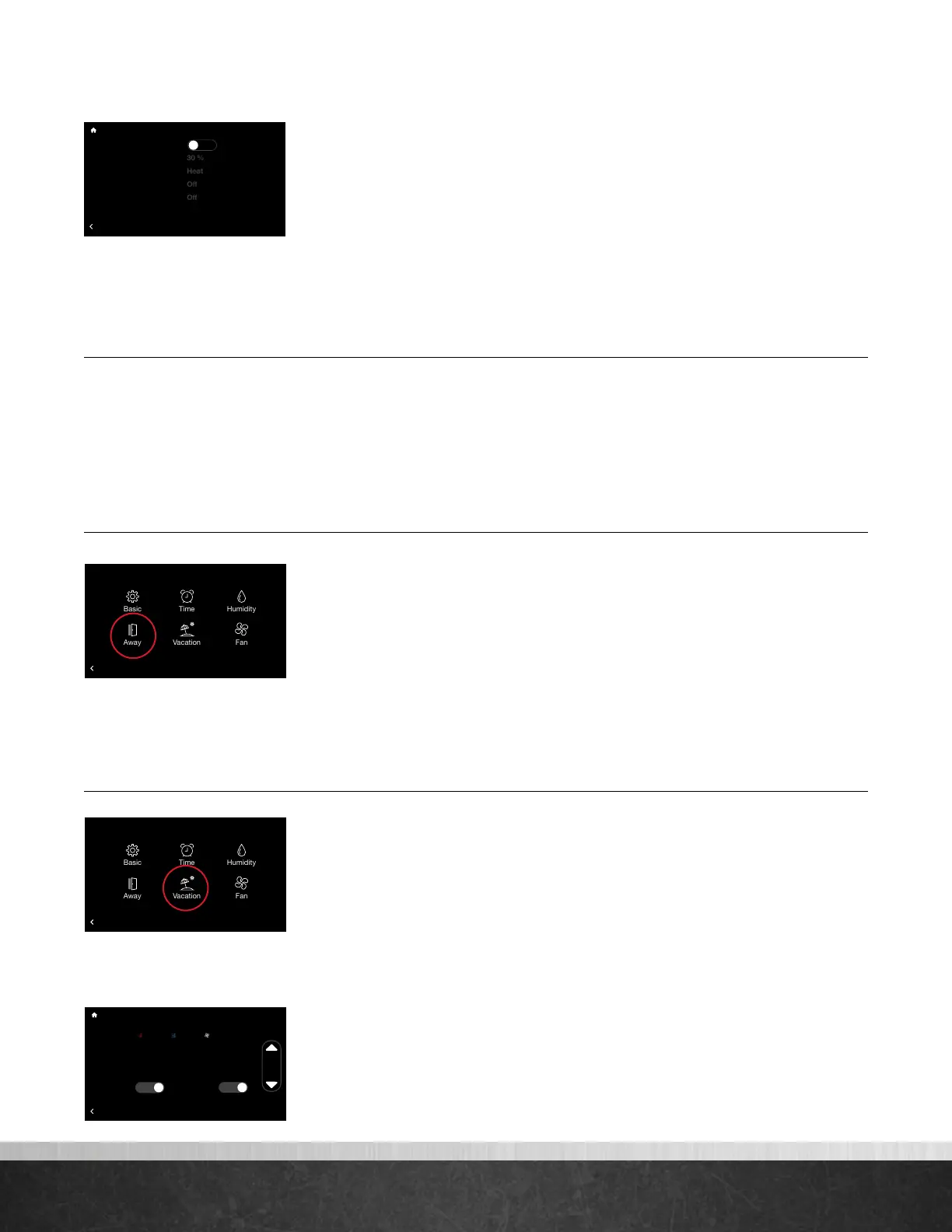
Away Settings (Menu > Settings > Away)
Your system will follow the customized heating, cooling and fan settings when
you place your system into ‘Away’ mode. The system can be placed into Away
by selecting the Home icon (closed door) on the home screen. Once the system is
placed into Away mode it will remain until canceled. Simply tap the Away icon
(open door) to exit Away mode. The system will resume the schedule or return to
the previous settings if a schedule is not being followed. You can also exit Away
by increasing or decreasing the temperature.
Note: If your system is in Cool or Heat when placed into Away mode your system will only manage to
the respective Away set point.
Vacation (Menu > Settings > Vacation)
The Vacation screen allows you to preschedule desired heating, cooling and fan
settings when you are going to be away for an extended time.
To schedule your vacation, select the time, month, day and year and then use the
up and down arrows to set desired start and end dates.
Note: You will need to set the vacation end time and date before you can set its start.
Select each set point and fan speed and then use the up down arrows to set to
your desired vacation conditions. We recommend setting the fan speed
to Auto.
75
Home 44%
72
80
75
44%
80
65
Away
Resume Schedule
Enable Humidification?
Humidify Set Point
Humidify During...
Smart Control
Humidity With Fan
BACK
Humidification
No
75
Home 44%
72
80
75
44%
80
65
Away
Resume Schedule
BACK
Settings
Installer
75
Home 44%
72
80
75
44%
80
65
Away
Resume Schedule
BACK
Vacation Settings
85º
Auto65º
Start:
End:
Vacation
02:00 pm Jan. 29 2018
02:30 pm Feb.
10
2018
Yes
Water
Heater
Yes
75
Home 44%
72
80
75
44%
80
65
Away
Resume Schedule
BACK
Settings
Installer
EcoNet
®
Smart Thermostat User Guide 15
> Return to Table of Contents



 To Next Page