Caring for your Thermostat
Cleaning
You can clean your thermostat screen by lightly spraying water on the provided lens cloth or a clean microfiber cloth.
Wipe the surface of the screen with the dampened cloth. It is recommended you first lock the screen (Menu > Settings
> Basic > Screen Lock set to ‘Yes’)
Note: Never spray any liquids directly onto your EcoNet Smart Thermostat.
Rebooting
You can reboot your EcoNet Smart Thermostat by cycling power to the thermostat.
Rebooting will not alter programming, settings or configuration options.
Resetting the Thermostat
At some point during the life of your EcoNet Smart Thermostat you may want
to quickly restore it to the default state. First, enter the Installer Settings menu by
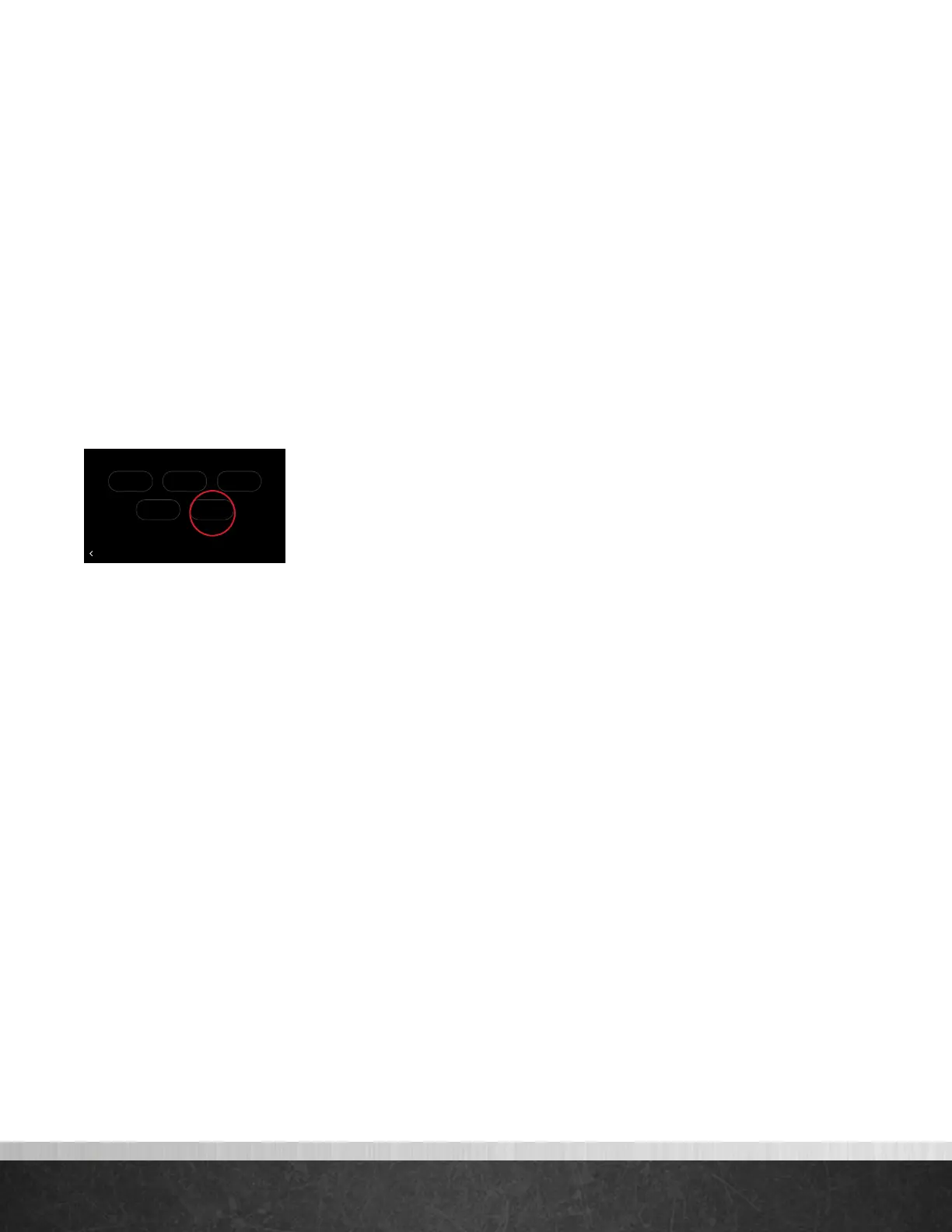
selecting Menu > Settings, then tap and hold on “Installer” on the bottom right
of the screen for five seconds. Once in the Installer menu, tap Defaults, view the
warning and tap Enter to restore all settings to factory default.
Note: This will reset all settings including a programmed schedule, date and time to
factory default settings.
75
Home 44%
72
80
75
44%
80
65
Away
Resume Schedule
Warning! These settings are to be used
by a qualified HVAC contractor ONLY
BACK
Installer Settings
Furnace AC/HP Thermostat
DefaultsAir Handler
EcoNet
®
Smart Thermostat User Guide 32
> Return to Table of Contents



 To Next Page