Installer Settings
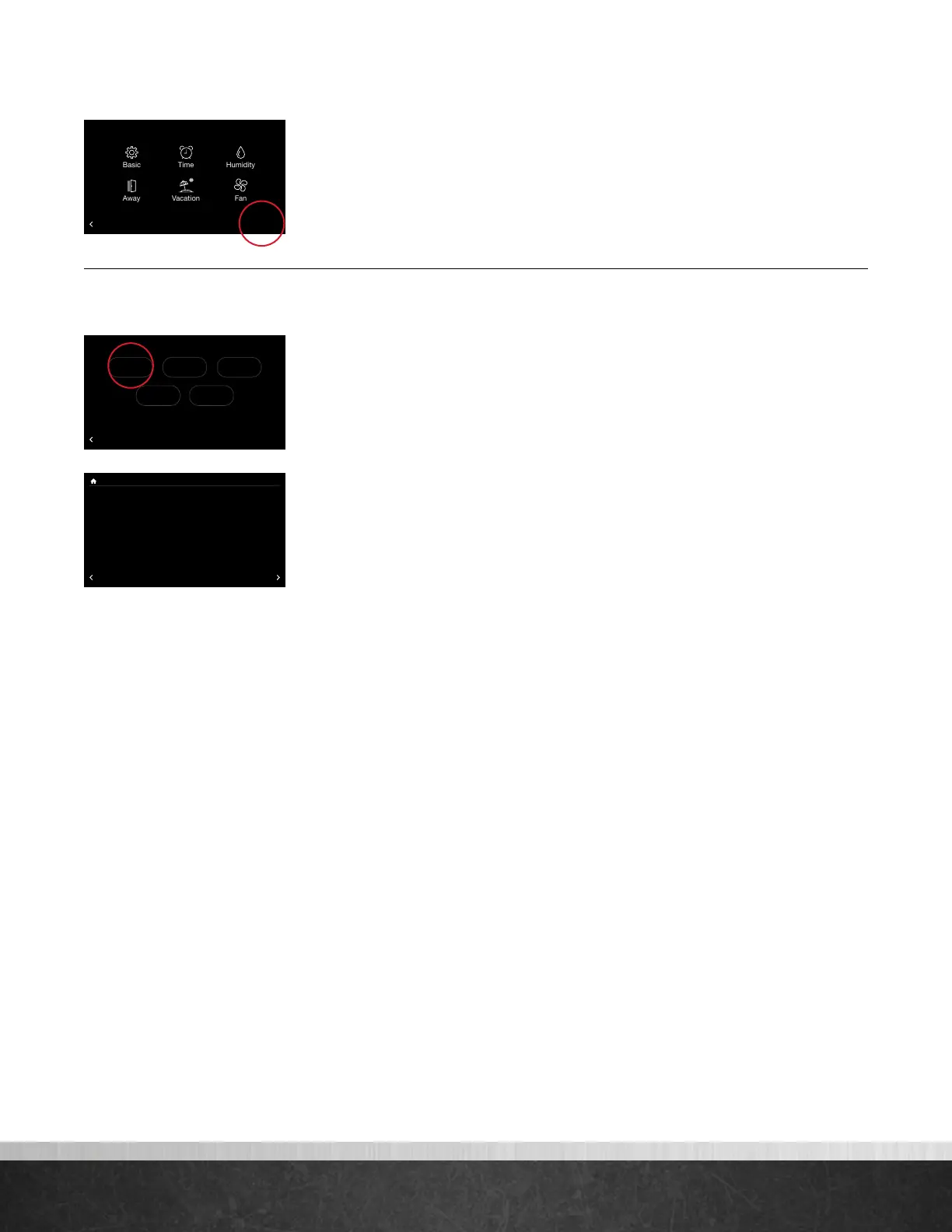
To enter the Installer Settings menu, select Menu > Settings, then tap and hold on
“Installer” on the bottom right of the screen for five seconds.
Furnace Settings
Go to Menu > Settings > Installer (tap and hold) > Furnace.
LED Display Orientation – Flips the furnace’s LED diagnostic display so it is
readable in the upflow or downflow position.
Furnace Blower O Delay – 90 (default), 120, 150, 180 seconds. Amount
of time the blower will run after a furnace heating call has ended.
Hi Heat Airow Adjust – This setting will adjust the heat gain of the second
stage or high stage of the two-stage furnace. There are five optional settings to
choose from. The default is ‘None’.
• Highest Airow: Will decrease the second stage Midpoint heat rise -12˚F
by increasing the CFM even higher
• Higher Airow: Will decrease the second stage Midpoint heat rise -7˚F by
increasing the CFM
• None: Nominal CFM and heat rise across the furnace
• Lower Airow: Will increase the second stage Midpoint heat rise +7˚ by
lowering the CFM
• Lowest Airow: Will increase the second stage Midpoint heat rise +12˚
by lowering the CFM even lower
Lo Heat Airow Adjust – This setting will adjust the heat gain of the first
stage or the low stage of the two-stage furnace. There are five optional settings
to choose from. The default is ‘None’.
• Highest Airow: Will decrease the first stage Midpoint heat rise -12˚F by
increasing the CFM even higher
• Higher Airow: Will decrease the first stage Midpoint heat rise by -7˚F by
increasing the CFM
• None: Nominal CFM and mid heat rise across the furnace
• Low Airow: Will increase the first stage Midpoint heat rise +7˚ by
lowering the CFM
• Lowest Airow: Will increase the first stage Midpoint heat rise +12˚ by
lowering the CFM
G Input Fan Control – Off (default), Low, Medium Lo, Medium, Medium
High, High: airflow to run if the G terminal is activated. To be used for add-on
accessories (like ventilators) that are wired to the furnace G terminal and wish to
run the blower.
75
Home 44%
72
80
75
44%
80
65
Away
Resume Schedule
BACK
Settings
Installer
75
Home 44%
72
80
75
44%
80
65
Away
Resume Schedule
Warning! These settings are to be used
by a qualified HVAC contractor ONLY
BACK
Installer Settings
Furnace AC/HP Thermostat
DefaultsAir Handler
75
Home 44%
72
80
75
44%
80
65
Away
Resume Schedule
LED Display Orientation
Furnace Blower Off Delay
Hi Heat Airflow Adjust
BACK
Furnace Settings
Upflow
90 secs.
None
Lo Heat Airflow Adjust
G Input Fan Control
Aux #1 Config
None
Off
OffN.O.
Aux #2 Config OffN.O.
MORE
EcoNet
®
Smart Thermostat User Guide 28
> Return to Table of Contents



 To Next Page