System Modes (con’t)
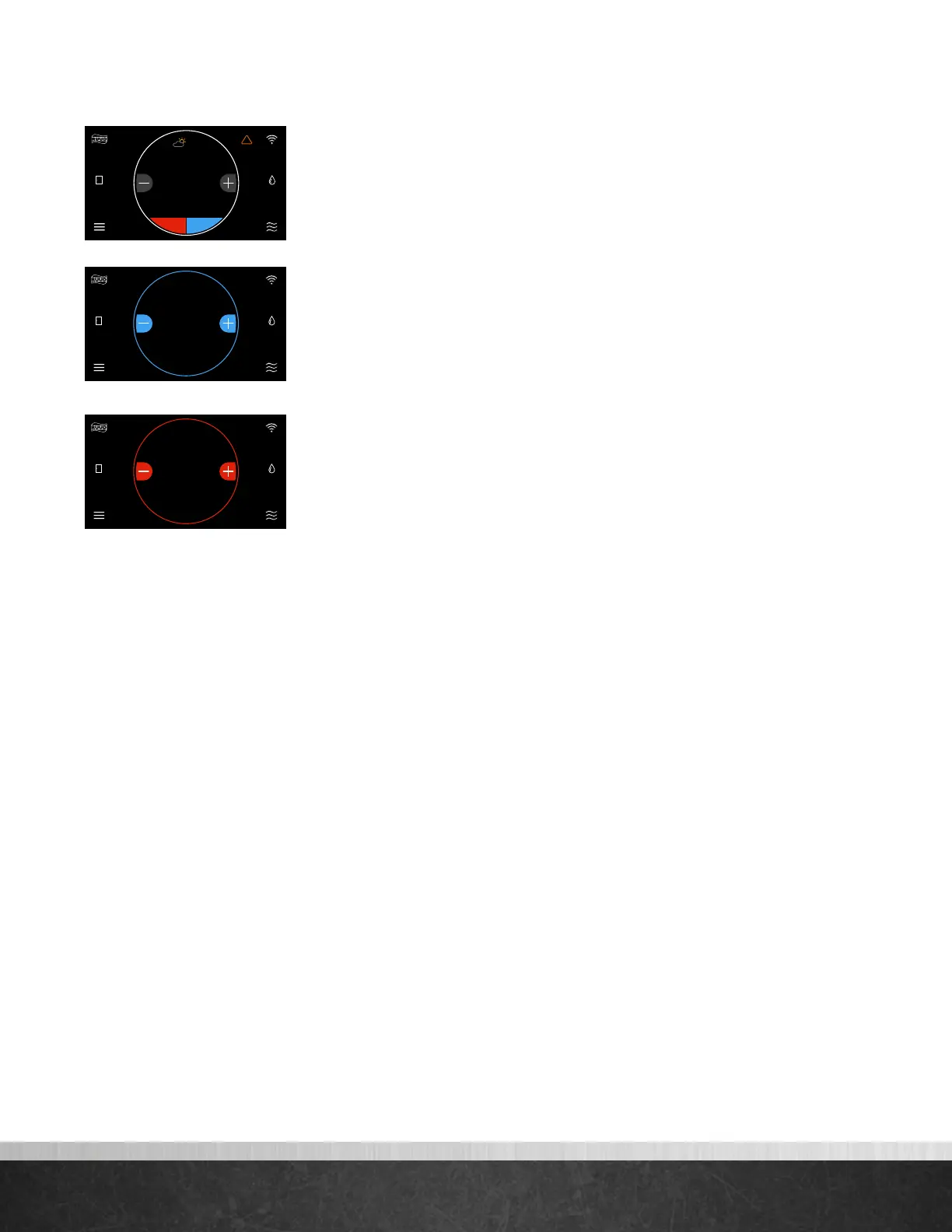
You can manually adjust the temperature from the Home Screen by touching the
plus and minus buttons. When the set point is being changed, the ring
will either turn blue or red—depending on the mode of operation—and the new
set point is displayed in the center of the screen. If Auto mode is selected, press the
lower left set point (red) for heat or lower right set point (blue) for cool.
(Cooling set point adjustment)
(Heating set point adjustment)
Connecting to WiFi
75
Home 44%
72
80
75
44%
80
65
Away
Resume Schedule
75
Home
62 85
!
44%
80
75
Home 44%
72
80
75
44%
80
65
Away
Resume Schedule
80
42%Home
75
Home 44%
72
80
75
44%
80
65
Away
Resume Schedule
63
42%Home
EcoNet
®
Smart Thermostat User Guide 9
> Return to Table of Contents



 To Next Page