11
4 – 3 – 2 | Eco
When the icon (and only the icon) displays on the screen, you are in eco
mode. Just like comfort, on this mode the radiator heats to a constant set
temperature. However, eco mode is designed to be set to a lower temperature,
providing a low-heat, energy-saving alternative for when you are sleeping or out.
The default set temperature is 15.5 °C. Set temperature can be adjusted using the
and buttons. Set temperature range is 7-30 °C.
The temperature set in eco mode also applies to eco intervals when they occur in
other modes, e.g. program mode and sensor mode (room unoccupied).
4 – 3 – 3 | Anti-Freeze
When the icon displays on the screen, you are in anti-freeze mode. This is the
mode to use when rooms are empty for long periods – for instance, when you go
on holiday. Anti-freeze sets the radiator to come on only when temperatures drop
low, keeping the room warm enough to prevent pipes from freezing.
Anti-freeze mode is set to 7 °C. This is not adjustable.
4 – 3 – 4 | Timer
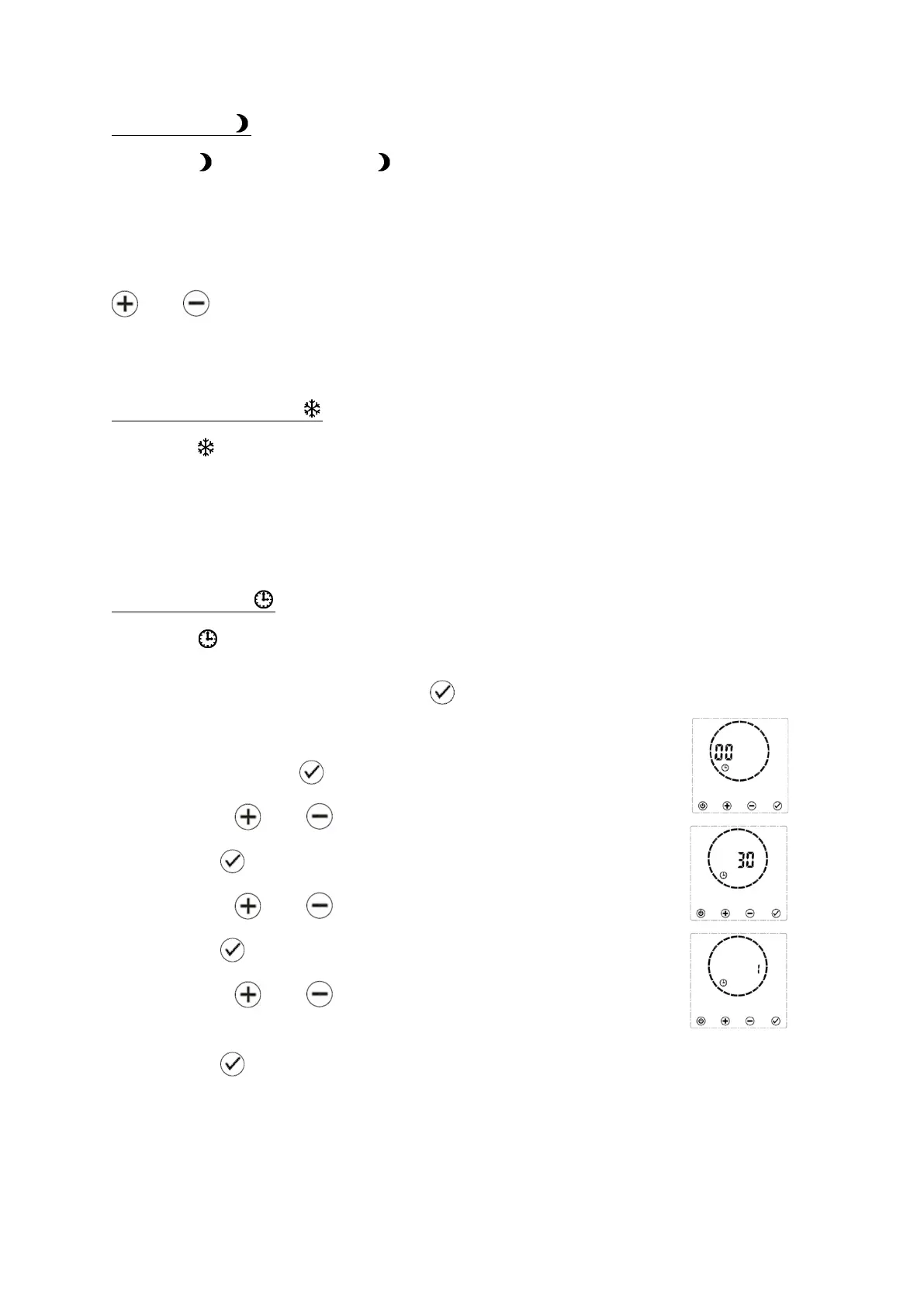
When the icon displays on the screen, you are in timer mode. On this mode the
radiator will heat as per your set program. You can adjust set time and program
from this screen by holding down the button.
Setting the Time
• Hold down the button until the hours begin to flash.
• Use the and buttons to set the hour.
• Press to confirm. The minutes will begin to flash.
• Use the and buttons to set the minutes.
• Press to confirm. The day of the week will begin to flash.
• Use the and buttons to set the day of the week,
where 1 = Monday, 2 = Tuesday and so on.
• Press to confirm. The display will move to the program setting stage.
Note – at each stage of the time setting menu, the radiator will automatically jump
to the next step if nothing is adjusted in 30 seconds. Once on the program setting
screen, the timer will return to timer mode after 30 seconds without activity.


 To Next Page