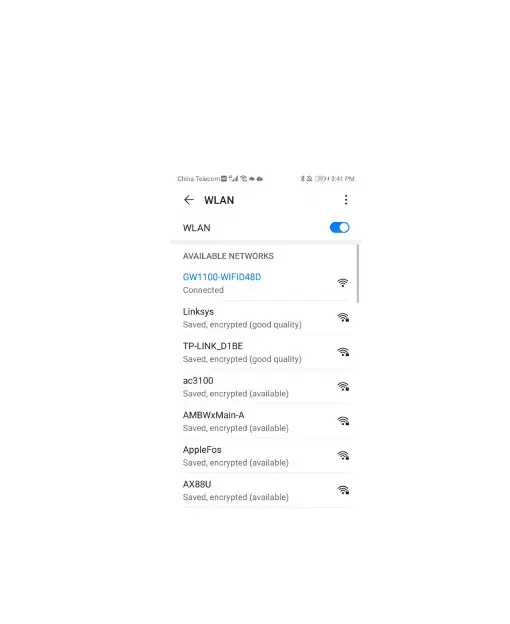
4. After connected to the AP successfully, you
can see the networked state is connected. If
needed( to prevent automatically switching to
mobile network for some user’s case), the mobile
network service should be turned off.
Figure 5: Configure screen 3 (show on
phone)



 To Next Page