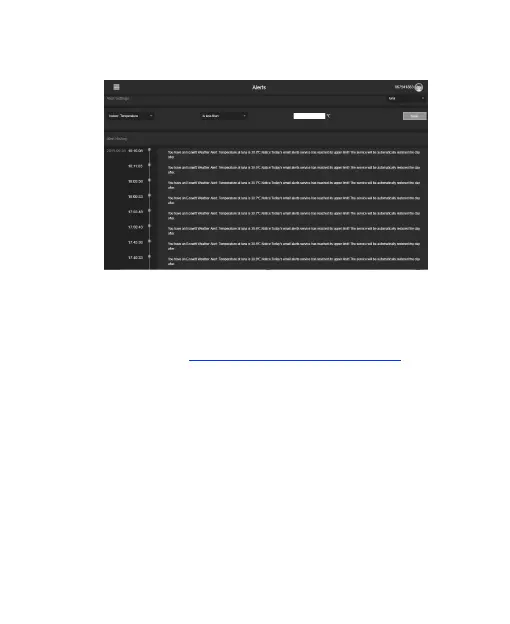
Email Alerts
Weather Underground
1. Register on https://wunderground.com,
2. Go to My Profile, click My Devices, add new
device, complete the device information, and
get Station ID & Key.
3. Go to the Wi-Fi configuration web page (IP
address: 192.168.4.1), click Weather Services
from the menu bar on the left, enter Station
ID & Key and save.



 To Next Page