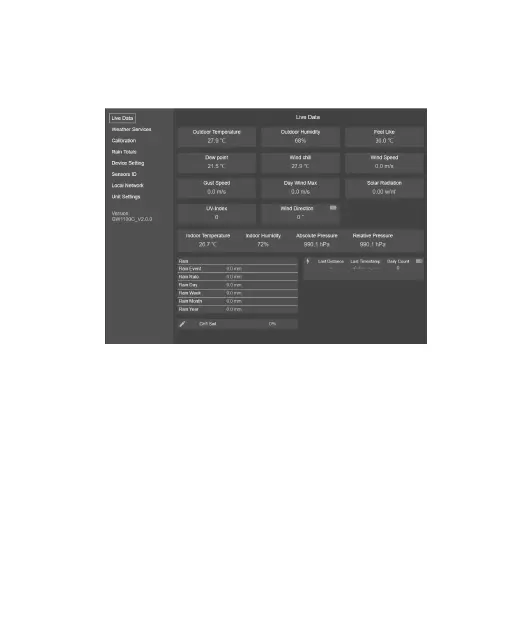
can find which sensor is being connected
currently.
Figure 10: Configure screen 8
9. Other setting functions on left menu bar
Weather Services: if you want upload data
to the weather services, select Weather
Services from the menu on the left, enter
Station ID and Key, then click Save.



 To Next Page