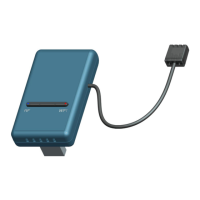
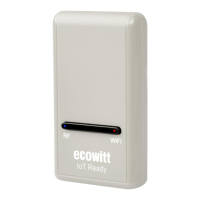
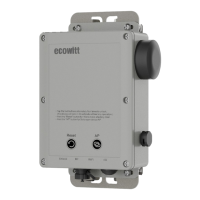
Confirm your station ID is correct. The station ID is all capital
letters, and the most common issue is substituting an O for a 0
(or vice versa). Example,KAZPHOEN11, not KAZPH0EN11.
The number "1" can be easily confused with the lower case of
letter "L".
Make sure the date and time are correct on the gateway. If
incorrect, you data may be considered old data, not real time data,
and will be rejected.
Make sure your time zone is set properly. If incorrect, you may
be reporting old data, not real time data.
Check your router firewall settings. The gateway sends data via
Port 80.
4 No Wi-Fi connection, or gateway configuration failed
Check for the Wi-Fi light on the gateway. If wireless
connectivity is operational, the Wi-Fi light will be steady. Make
sure you configured the correct SSID and password. Repeat the
procedure as necessary to verify.
The gateway does not support so-called "captive Wi-Fi"
networks. These are typically "guest" type networks where users
have to agree to terms and conditions before being connected.
Make sure your Wi-Fi supports 2.4 GHz signals (801 type B or
G, or N) because Wi-Fi that uses the 5 GHz spectrum is not
supported. For router with dual band, please disable the 5GHz
band.
Turn off your mobile data/ cellular data.
Ensure the DHCP mode is open Try alternative methods.
Method 1:


 To Next Page