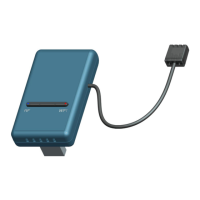
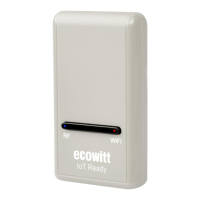
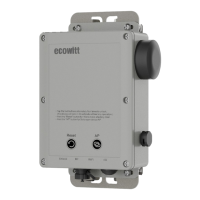
Power off the gateway.
Power on the gateway.
Open the Wi-Fi network on your phone or computer, and
connect to the hotspot of GW2000 -WIFIXXXX.
Open your browser, type 192.168.4.1 in the browser address
search bar and enter - login - Local Network - enter your Router
SSID and Password - Live Data.
Method 2:
Reset your router or reset the gateway to factory mode and then
try the configuration again.
Method 3:
Try to set your router password to none and then do the
configuration again. If successfully, you may set your router
password back and configure the gateway again.
Method 4:
Try the configuration using a different mobile device.
5 Would I check the block of "Automatic Firmware
Upgrade?What are the consequences?"
If an upgrade is available in the future, you can check the
About page for firmware updates. If you set the "automatic
upgrade" option, the firmware will be updated once an update is
available.
6
Can I add an additional gateway for a different room
that takes data from the same sensor array?
Yes, you can add an additional gateway, one transmitter can be
connected to two or more gateway at the same time.


 To Next Page