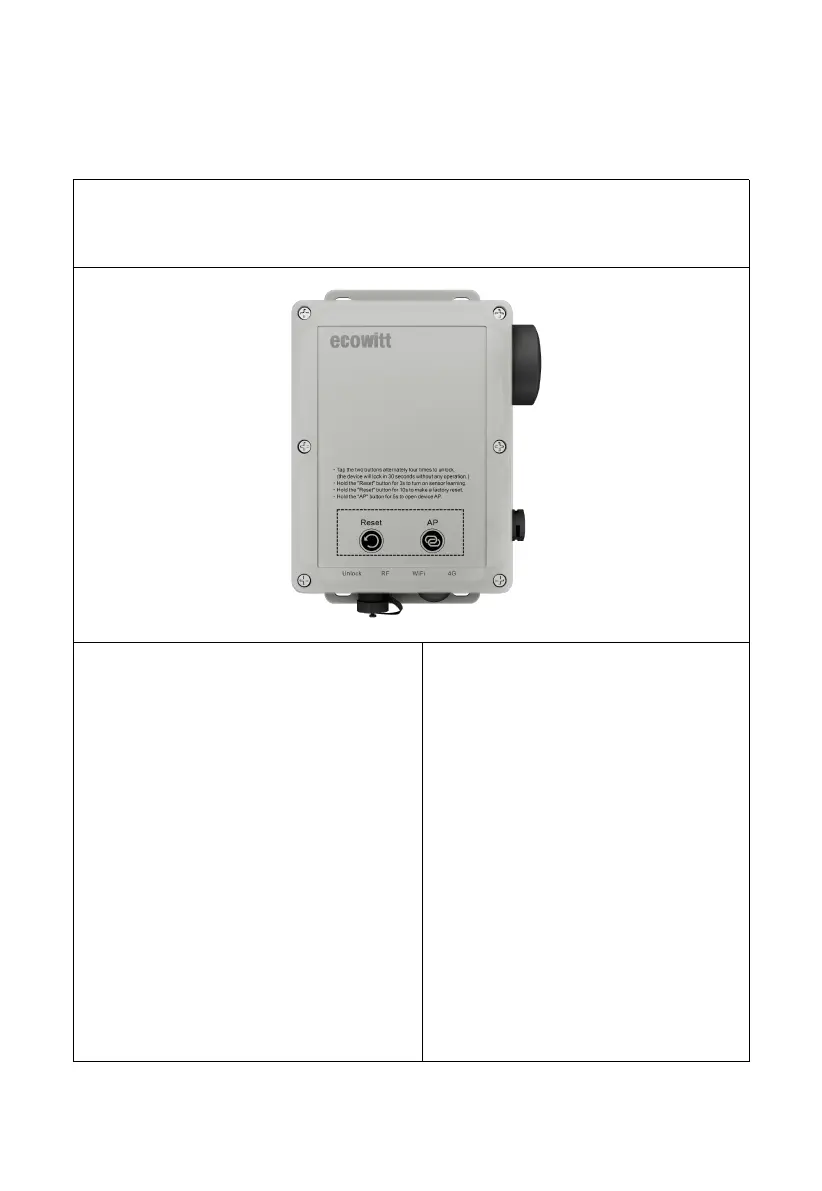
Tap Reset & AP Button alternatively four times (tap interval < 1.5s) to
unlock the WS6210. The below button works when in the unlocked state.
Reset Button
Press and hold the button for:
3 seconds: it will turn on the
receiver and will be in sensor
learning mode. The RF LED will
flash two times per second for 3
minutes until the learning process is
completed.
10 seconds: The gateway reboots to
factory default settings. The four
LEDs flash two times per second
three times, then the device will
reboot.



 To Next Page