4. First Use
4.1 Power on
1
、
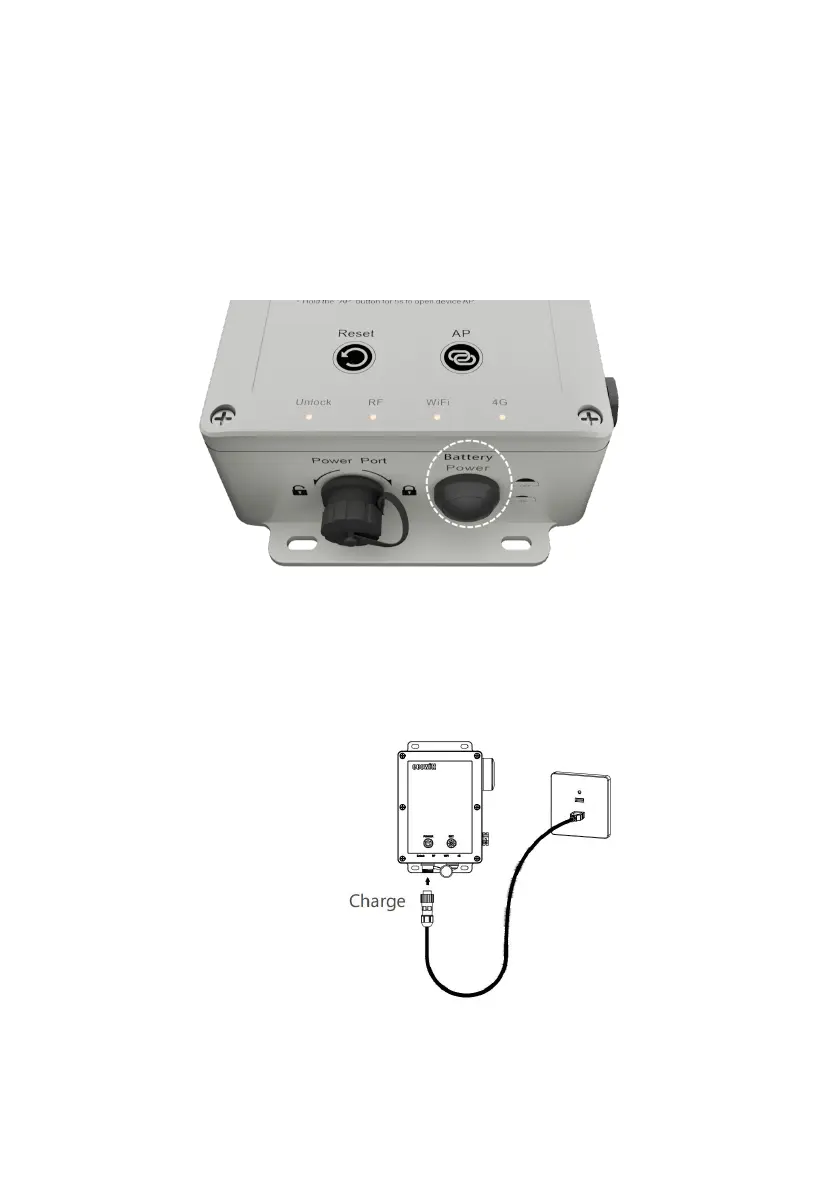
Press the physical Power button to power it on. Four lights will turn on
for 3s when powered on successfully. As illustrated below:
Figure 4
2
、
When first used, please charge the WS6210 using the included USB cable.
The batteries will be fully charged in 10 hours.
Figure 5
Note: You can also use an external charger, Do not use normal, non-rechargeable



 To Next Page