5. General Setting and Checkup
After completing the Network configuration, you can set the device for
its’ device name, location, Time zone, DST (Daylight Saving Time), and
Data public settings.
1. Device Type and MAC cell cannot be edited.
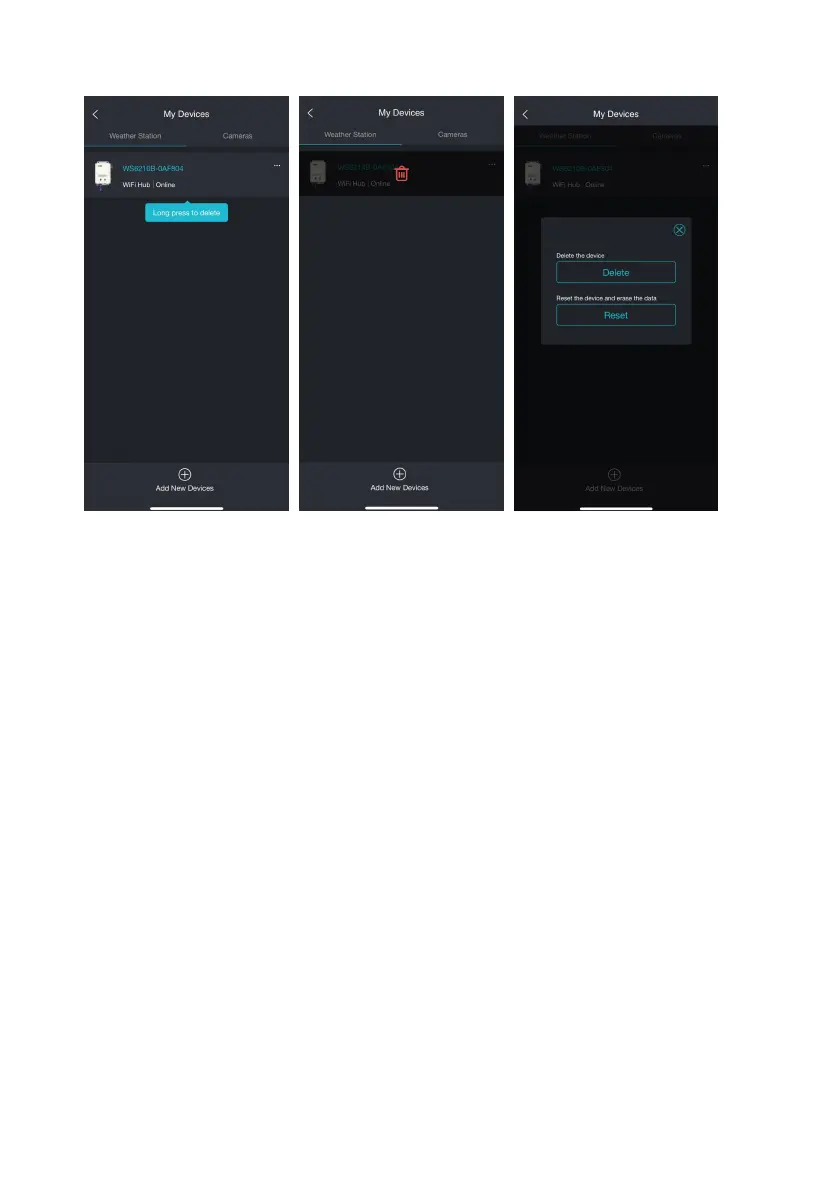
2. Tap on Menu and then click on "My Devices".
3. Click the "... with a red new" icon to open the editing page.



 To Next Page