batteries ! This could result in battery leakage and will damage the device
4.2 Install the APP
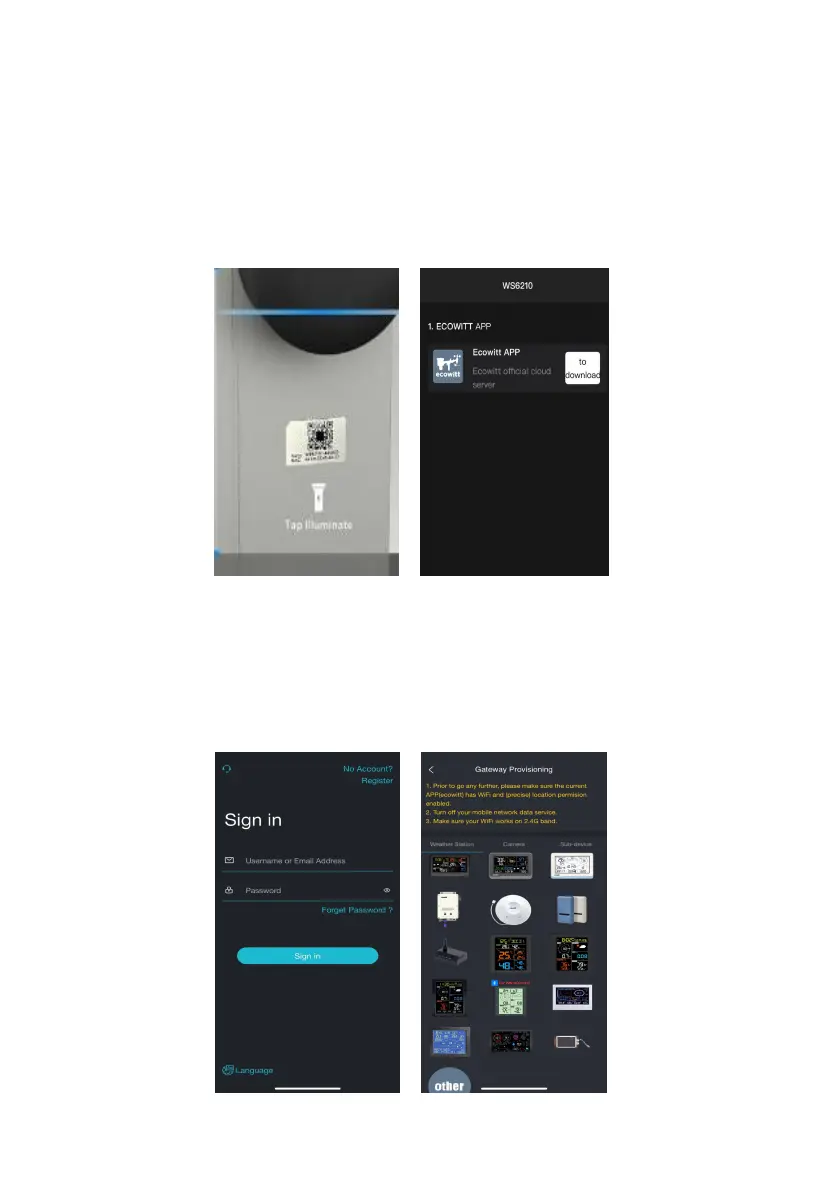
1、Scan the QR code on the body of WS6210 to download the app.
Assure you have the location and Wi-Fi service enabled for this Ecowitt APP.
Figure 6
2
、
Run the “ecowitt” APP and register your account
3
、
Open the APP, tap on “menu” – “device” – “+add a new device”- choose
the model of ws6210 from the product listing



 To Next Page