8.11 Firmware updates
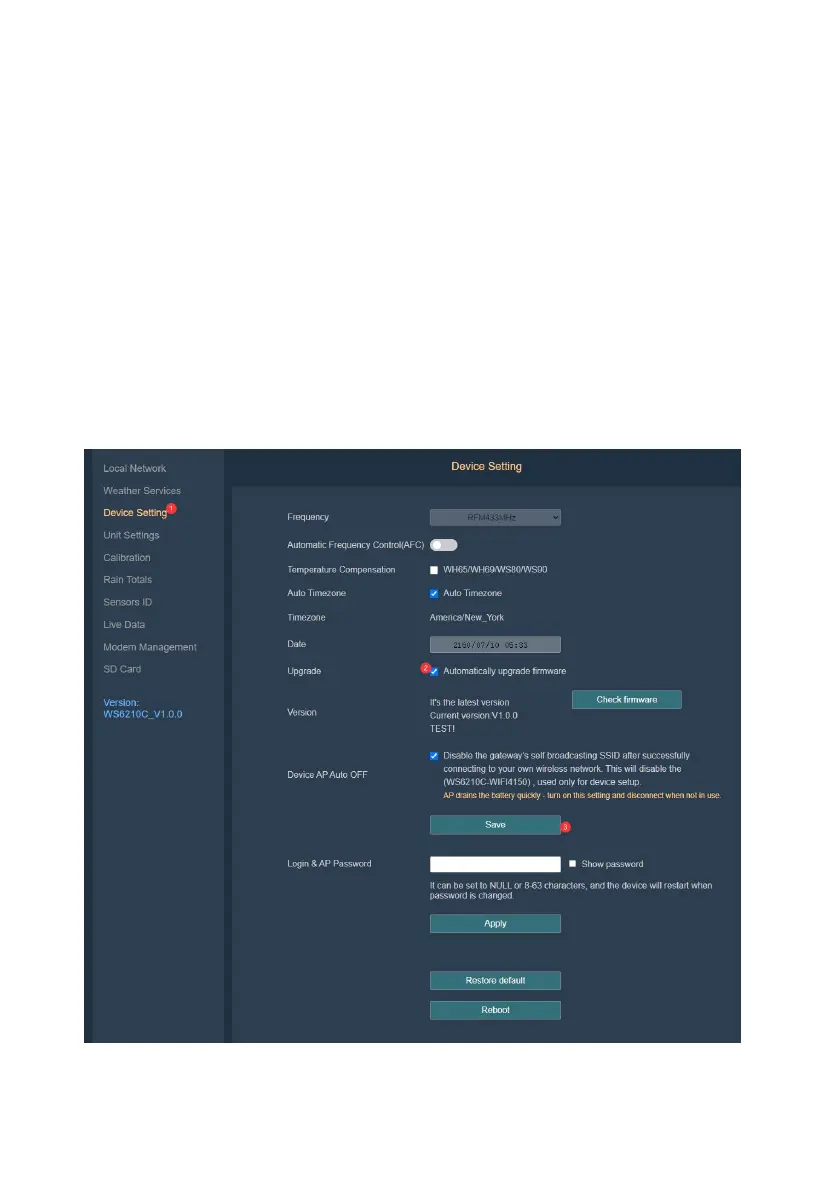
Firmware Automatic Upgrade: If automatic firmware update is enabled on
the web interface and new firmware is detected, the product will enter OTA
(over the air, here: WiFi or 4G) mode and automatically restart upon
completion. (Automatic update check interval is 24 hours)
Manual Upgrade: Access the local web page (either via the gateway AP
192.168.1.4 or via the local network http://IP-address-of-the-gateway,
navigate to the device settings page, click on 'Check Version,' and if a new
version is found, click “Upgrade Version.”
Figure 51



 To Next Page