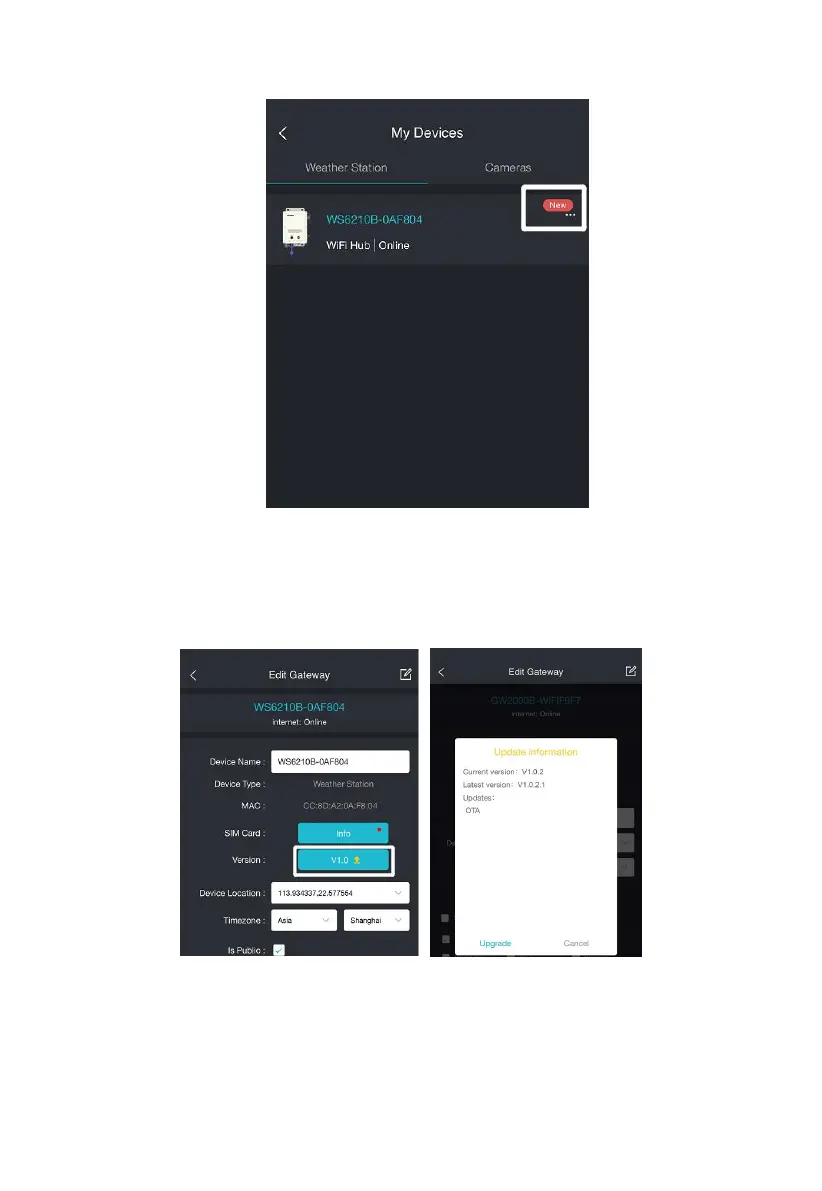
Figure 22
Version: The current firmware version is displayed here. If an update is
available, a “yellow arrow” will appear next to the version number. Tap
on the version button to start the upgrade.
Figure 23
Device Name: You can edit your device name here if the default name
needs to be changed.
Device Location: Your device’s weather map location is determined by



 To Next Page