Figure 15
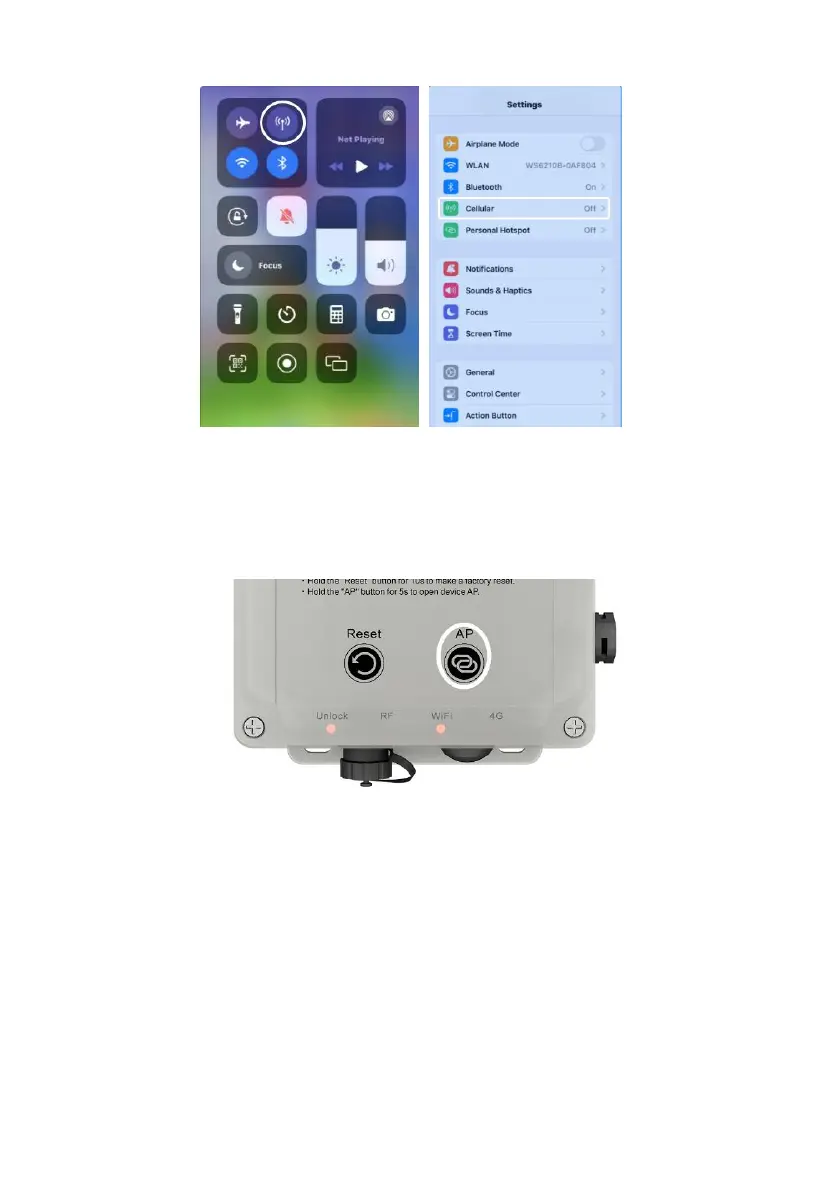
4.3.3.1. Turn on the WS6210's AP
Make sure WS6210 is unlocked. Holding the AP Button for 5 seconds will
turn on WS6210’s Wi-Fi AP for 5 minutes
.
Figure 16
4.3.3.2. AP: access point.
The WS6210 has a built-in WiFi access point (SSID WS6210x-WIFInnnn)
which can be used to access the device for configuration and data viewing
(IP address 192.168.4.1).
It can also be used to connect the device to a local wireless network
(WLAN) by providing the router login credentials (SSID, password)
and via that to the internet. The connection to the local network once



 To Next Page