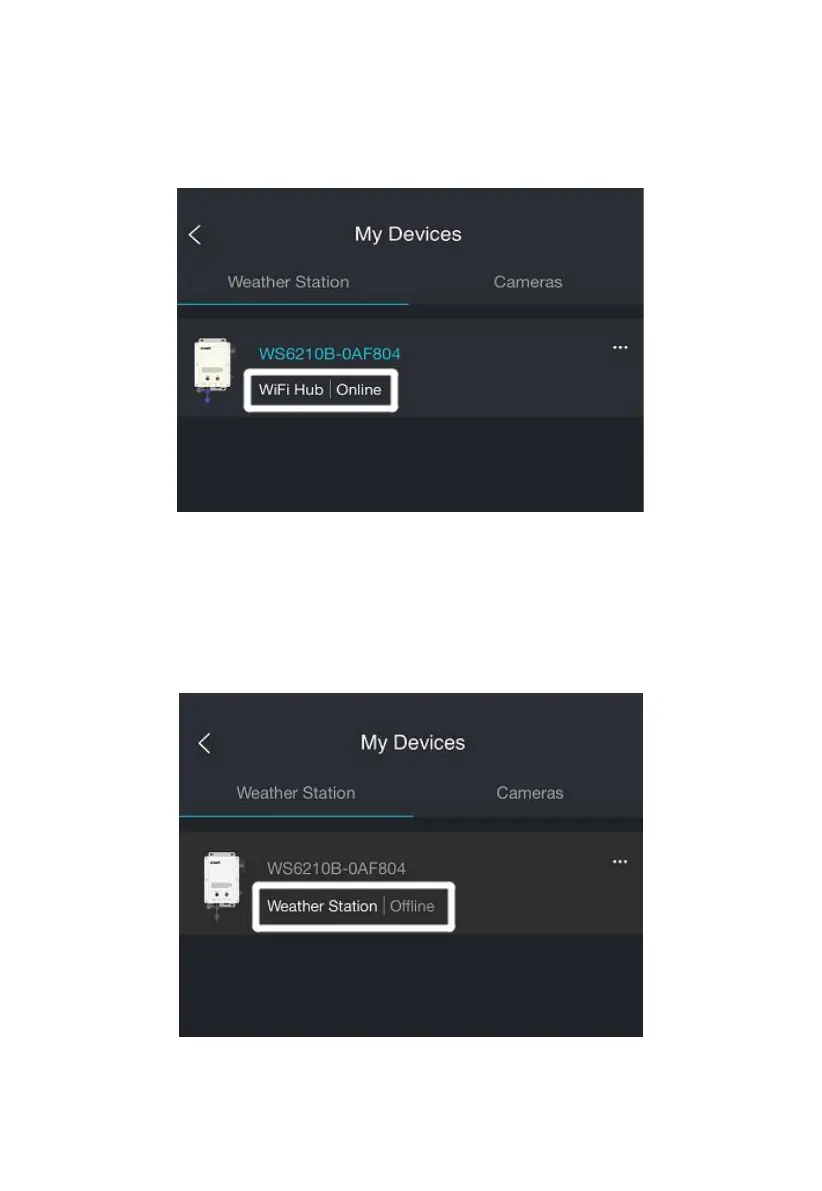
Note 1: After the above device setting is completed, return to the
dashboard. If the network connection is successful, the dashboard will
display as follows:
Figure 25 Connection is Succeed
Note 2: The above dashboard should appear immediately with a Wi-Fi
connection, and a cellular connection will be activated within 60 minutes.
If the device shows an offline status, please refer to section 8.9 for more
details.
Figure 26 Connection is failed



 To Next Page