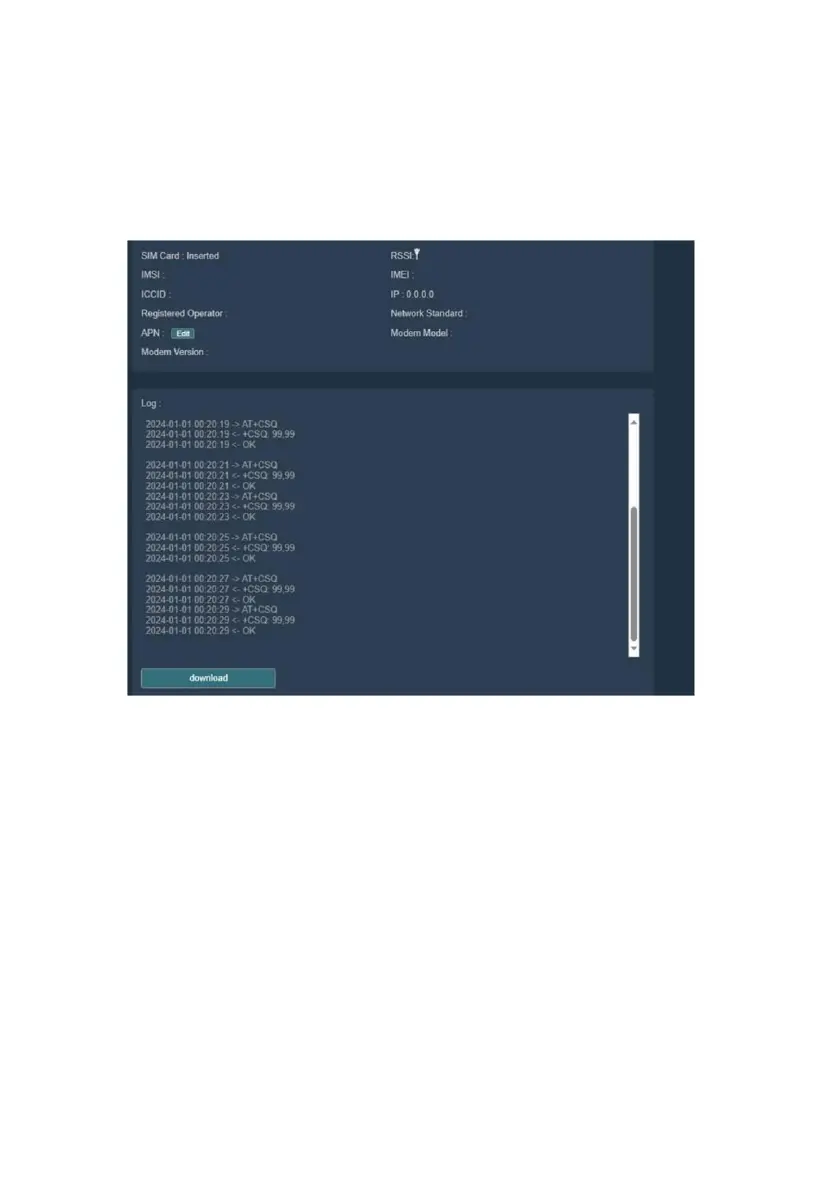
(3) Poor Network Signal Strength
Symptom: On the Modem Management page of the WEB UI, SIM Card
status shows "Inserted" and the Log repeatedly shows "-> AT+CSQ"
followed by "<- +CSQ: 99,99".
Figure 47
Analysis: Repeated occurrences of "-> AT+CSQ" and "<- +CSQ: 99,99"
indicate poor network signal quality.
Solution: Check the antenna connection and verify SIM card quality.
(4) SIM Card Attach to Network Failure
Symptom: On the Modem Management page of the WEB UI, SIM Card
status shows "Inserted" and the Log shows multiple occurrences of "<-
+CREG: 0,5", "<- +CREG: 0,1", and "<- +CGATT: 0".



 To Next Page