Connecting an External Device
USB Connection
Your computer comes with one USB Type-C and one USB Type-A port
supporting a wide range of USB devices.
Once you plug a USB device into a USB port on your computer, Windows
automatically loads a driver for that device. After the driver has been
loaded one time, you can disconnect and reconnect the same device
without performing any additional steps.
Note: If Windows requires you to install the driver before connecting,
check the documentation provided by the device’s manufacturer before
connecting the device.
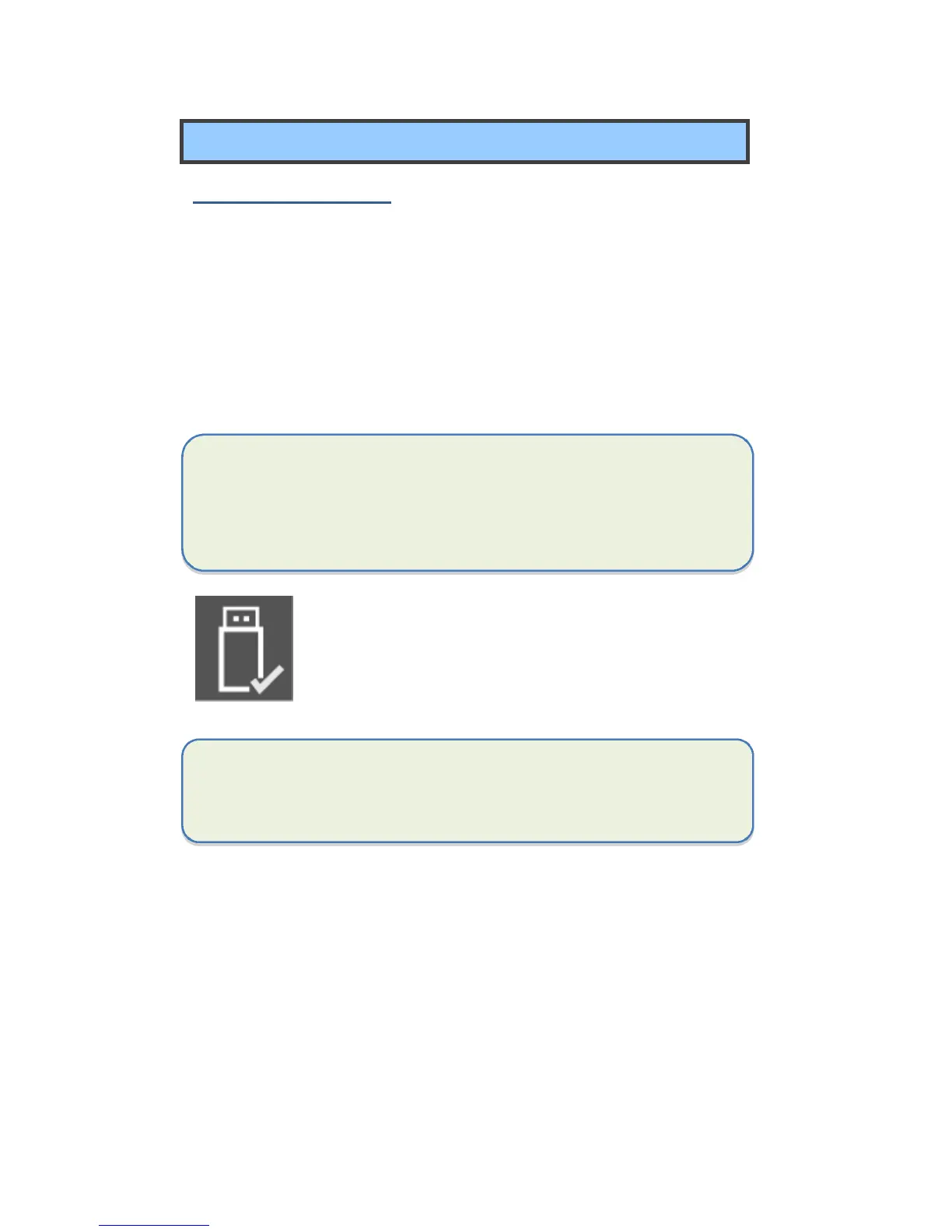
To disconnect a USB storage device, make sure you click
the Safely Remove Hardware icon (as shown on the left)
in the notification area of the taskbar to remove the
device before disconnecting.
Note: If your USB device uses a power cord, connect the device to a
power source before connecting it.



 To Next Page