8
Chapter4:UtilitySoftwareInstallation
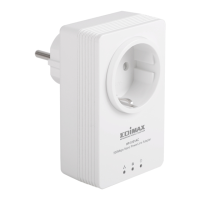
Youcanmanagealltheconnectedpowerlineadapterswiththeutilitysoftware.Onlyinstall
theutilitysoftwarewhenyouneedtoaddotherpowerlineadapterswithout“Group”or
“Encrypt”button.
Step1 Beforeinstallingtheutilitysoftware,makesurethatnootherpowerlineutilityis
installedonyourcomputer.Ifanyotherutilitysoftwareisinstalled,uninstallitand
rebootthecomputer.
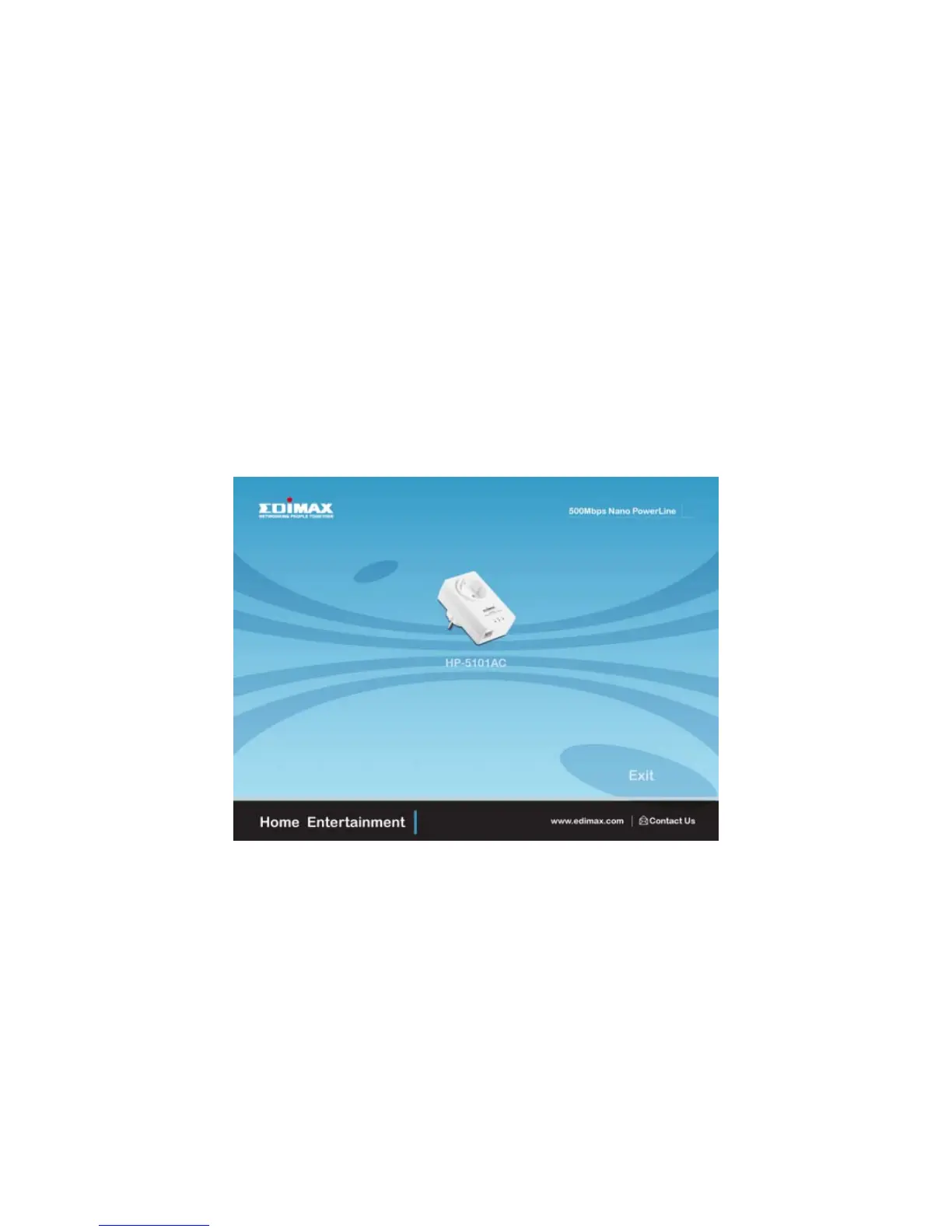
Step2 InserttheCDintoyourCD‐ROMdrive.Whenthefollowing“AutorunWizard”
appears,selectyourmodel.
Note:Ifautoplayisinstalledonyourcomputer,the“AutorunWizard”willstart
automatically.Otherwise,
pleasegotoAutorunfolderintheCDandexecutethe
“AutoRun.exe”program.


 To Next Page