23
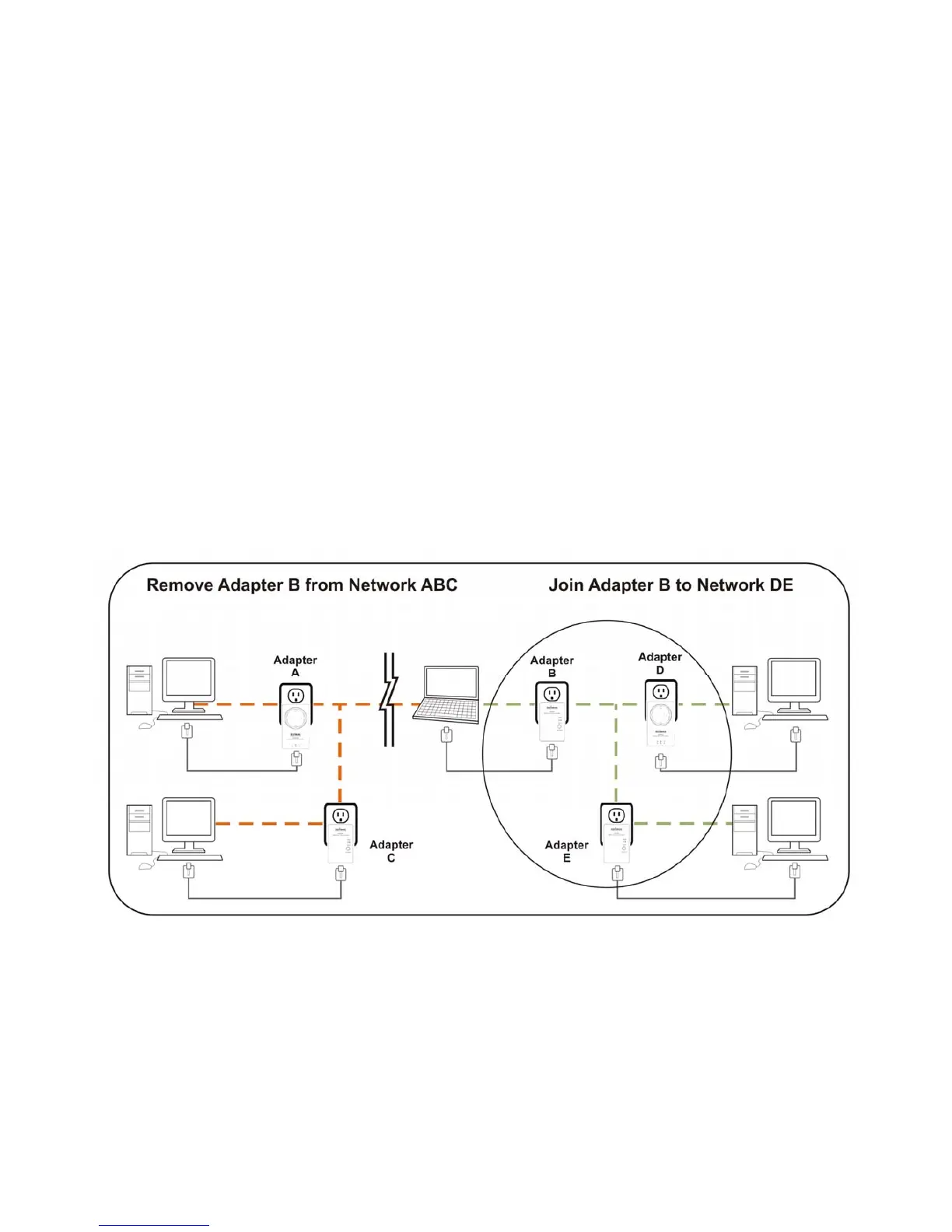
6.3LeavingaNetwork&JoininganotherNetwork
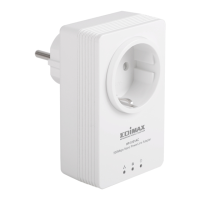
Ifyouwanttoremoveapowerlineadapterfromanexistingnetworkandadditto
anothernetwork,followthefollowingprocedures:
Step1 Pressthe“Group/Reset”buttonontheadaptertoberemoved(adapterB)for5~8
seconds.
Step2 Wait
foradapterBtobedisconnectedwithadapterA&C.
Step3 Pressthe“Group/Reset”buttononanadapterinanothernetwork(adapterD)for
lessthan3seconds.ThePowerLEDwillstarttoblink.
Step4 Within120secondsafterthePowerLEDstartsblinkingonadapterD,
pressthe
“Group/Reset”buttononadapterBforatleast3seconds.
Step5 Waitfortheconnectiontobeestablished.


 To Next Page