21
Chapter6:PowerlineNetworkManagementwithGroupButton
Thissectiondemonstrateshowtoaddorremovedevicesfromapowerlinenetwork
withthe“Group/Reset”button.
6.1FormingaHomePlugAVLogicalNetwork
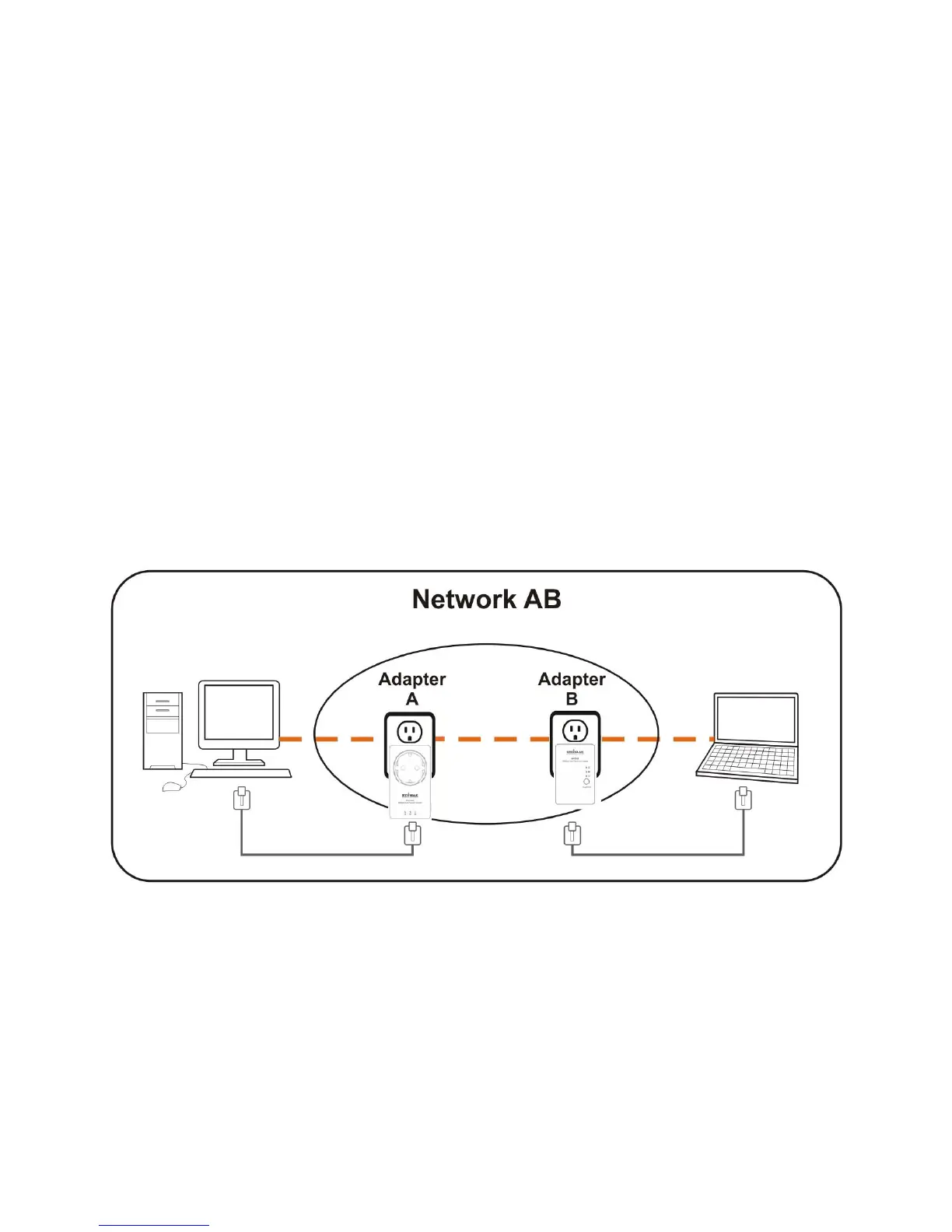
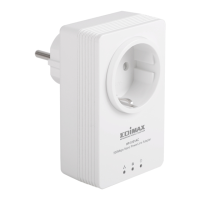
Whentwodeviceswithdifferentgroupkeysareconnectedtothesamepowerlineand
youwantthem
toformalogicalnetwork,followthefollowingprocedures:
Step1 Pressandholdthe“Group/Reset”buttononadapterAforlessthan3seconds.The
PowerLEDwillstarttoblink.
Step2 Within120secondsafterthePowerLEDstartsblinkingonadapterA,pressthe
“Group/Reset”buttonon
adapterBforlessthan3seconds.
Step3 Waitfortheconnectiontobeestablished.


 To Next Page