20
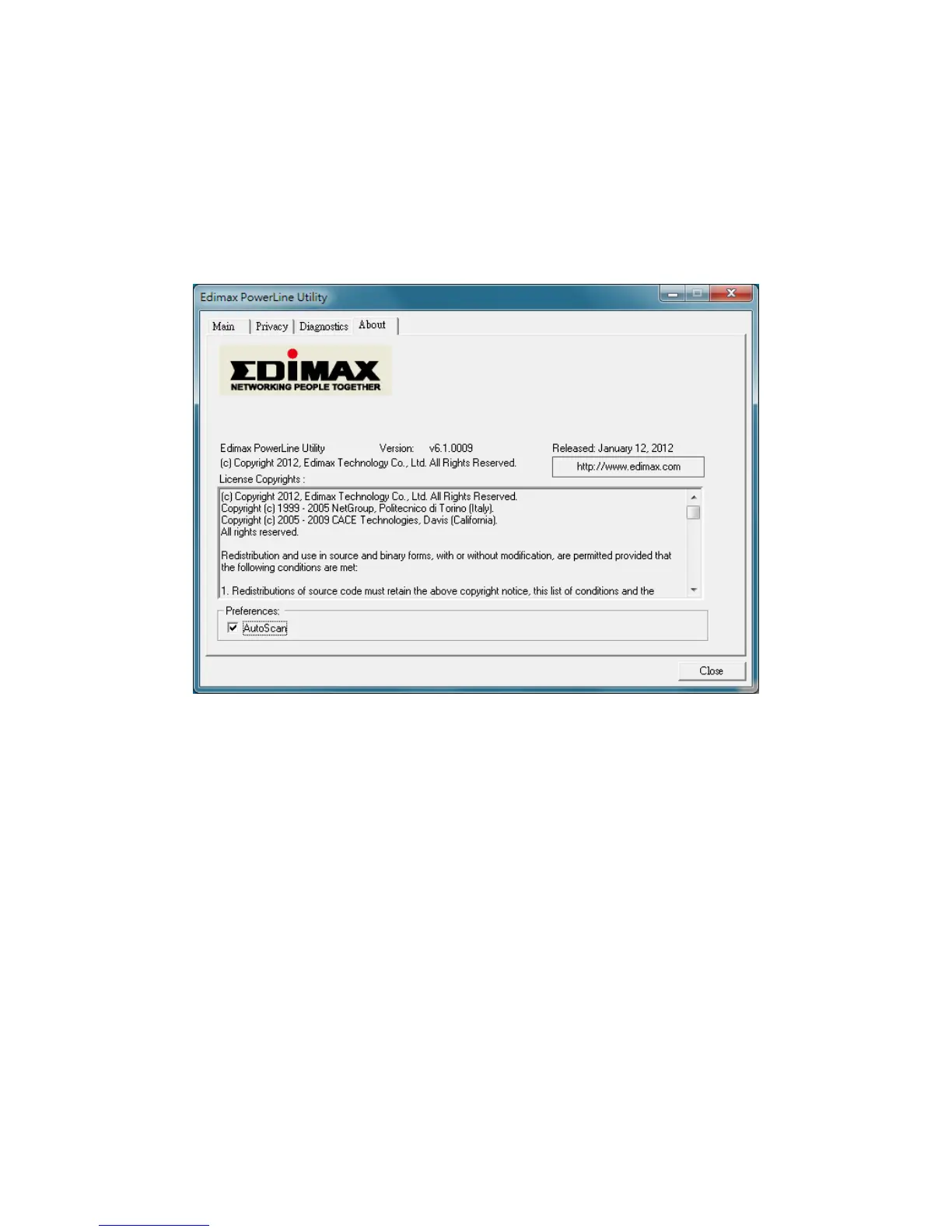
5.4AboutTab
The“About”tabcontainssomebasicinformationaboutthesoftware.
In“Preferences”panel,youcanenableordisablethe“AutoScan”function.Whenthe
functionisenabled,theutilitywillautoscanthepowerlineadaptersinthenetworkand
showtheadaptersinthe“Main”tab.Ifyou
havedisabledthisfunction,pleaseclick“Scan”
buttoninthe“Main”tabtoscantheadaptersmanually.


 To Next Page