15
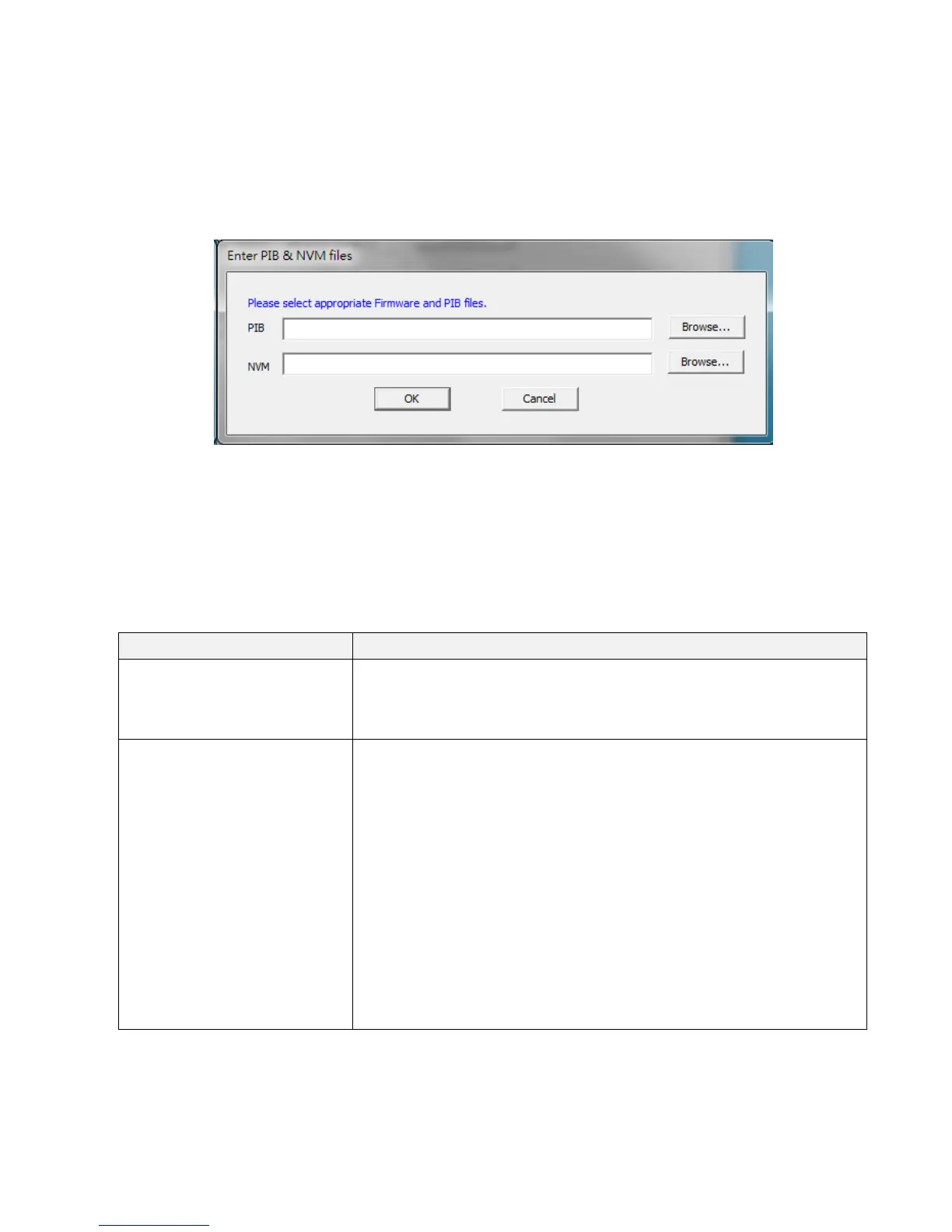
Ifyouwanttoupgradefirmwareoftheadapterdirectlyconnectedtoyourcomputer,
pleaseclick“Upgradefirmware”button.Thedialogboxwillbeshownasbelow,pleaseclick
“Browser”buttontochoosethePIBandfirmwarefilesyouwishtoupdateandthenclick
“OK”button.
Note:Pleasebe
sureyouhaveselectedthecorrectmodelfirmware,orthedevicemaybe
damaged.
LowerPanel‐PowerlineDevicesdetected
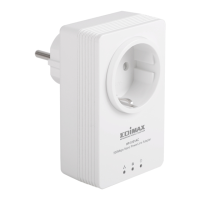
Thelowerpaneldisplaysremotepowerlineadaptersinthenet work.Thefollowingare
descriptionsofeverysetupitems:
Item Descriptions
DeviceName Thiscolumnshowsthedefaultdevicename,forexample:
“Device2”,“Device3”.Ifyouwanttochangethename,
pleaseclick“Rename”buttontoeditthename.
Password(DEKPassword) Thiscolumnbydefaultisblank.Inordertomanagethe
powerlineadapters,youhavetoenterthepassword(DEK
password)oftheadapter.TheDEKpasswordisprintedon
thelabellocatedinbackofthepowerlineadapter.After
youhaveenteredthecorrectpassword,thiscolumn
will
showthepassword.
Tosetthepasswordoftheadapter,firstselecttheadapter
byclickingonitsnameandthenclick“EnterPassword”
button.Adialogboxwillappearasbelow.Pleasetypethe
passwordandclick“OK”button.


 To Next Page