EasyManua.ls Logo

Edimax IC-7010PT - Change Display Layout

Edimax IC-7010PT
136 pages
Print Icon
To Next Page IconTo Next Page
To Previous Page IconTo Previous Page
Loading...
112
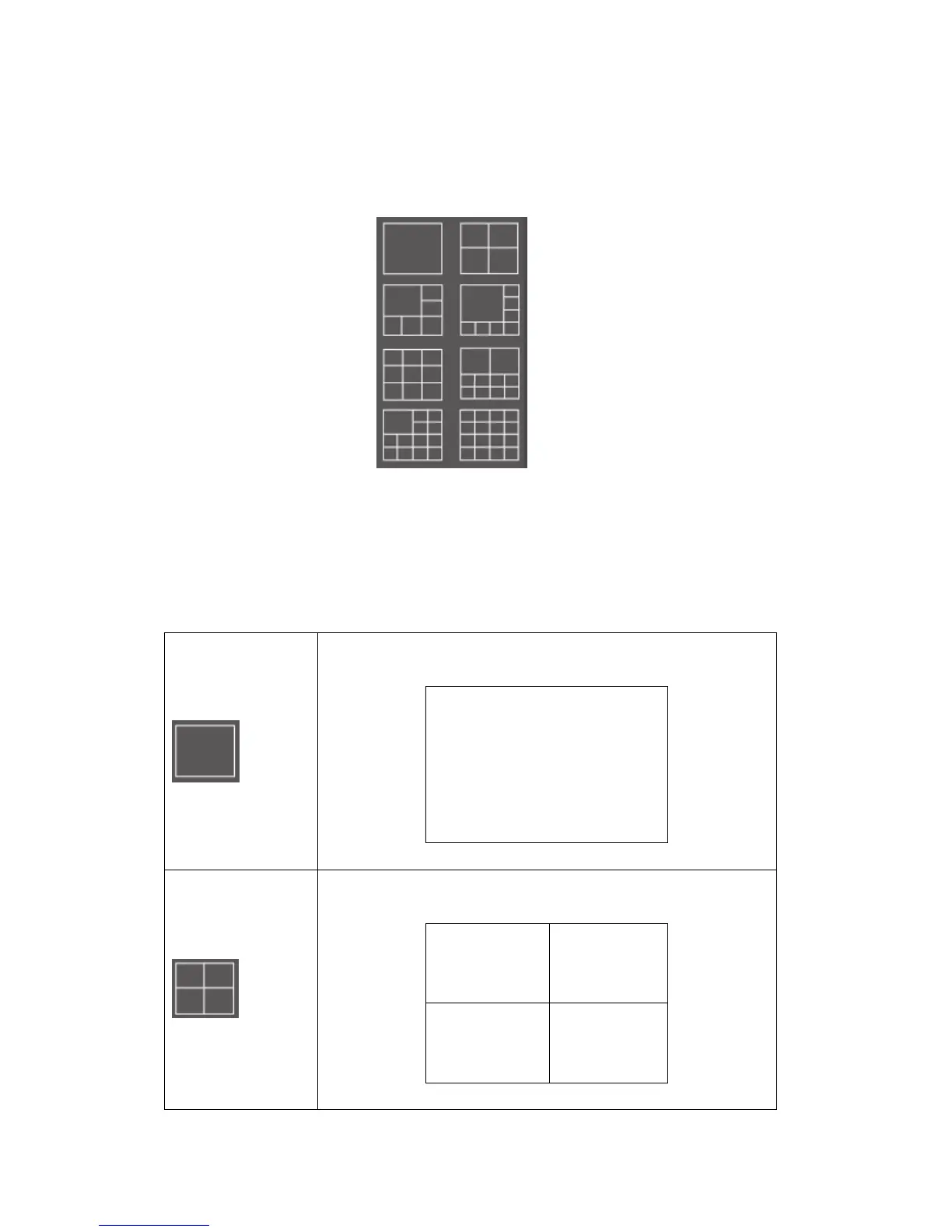
3-4 Change Display Layout
This IP camera surveillance software provides 8 kinds of display layout:
Every layout displays different number of camera and camera arrangement,
you can click the icon that presents a specific kind of layout, and the video
displaying area will change accordingly.

Layout style 1: 1
Camera only
Displays the video of 1 camera only.
Layout style 2: 4
Cameras
Displays the video of up to 4 cameras.

Other manuals for Edimax IC-7010PT

Related product manuals