90
Chapter III: Using Surveillance Software
3-1 Installing IP Camera Surveillance Software
The IP camera surveillance software provides various functions like video
recording, after this software is installed, you can use your IP camera to
safeguard your property. Please follow the following instructions to install the
surveillance software.
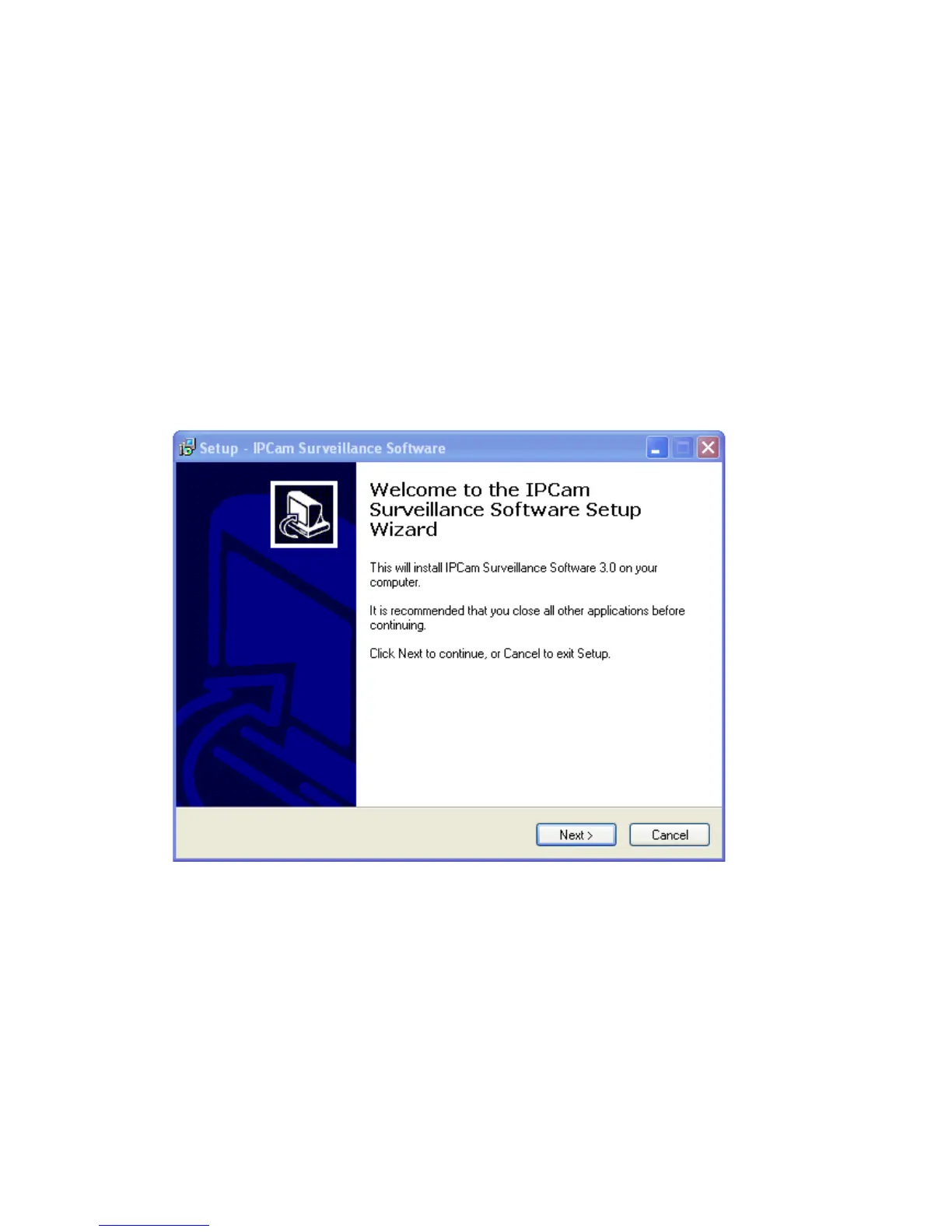
1. Click “16 channel viewer” in supplied CD-ROM, when the following window
appears, click „Next‟.
2. You can specify the destination folder of software installation, you can just
use the default folder, and click „Next‟ to continue.



 To Next Page