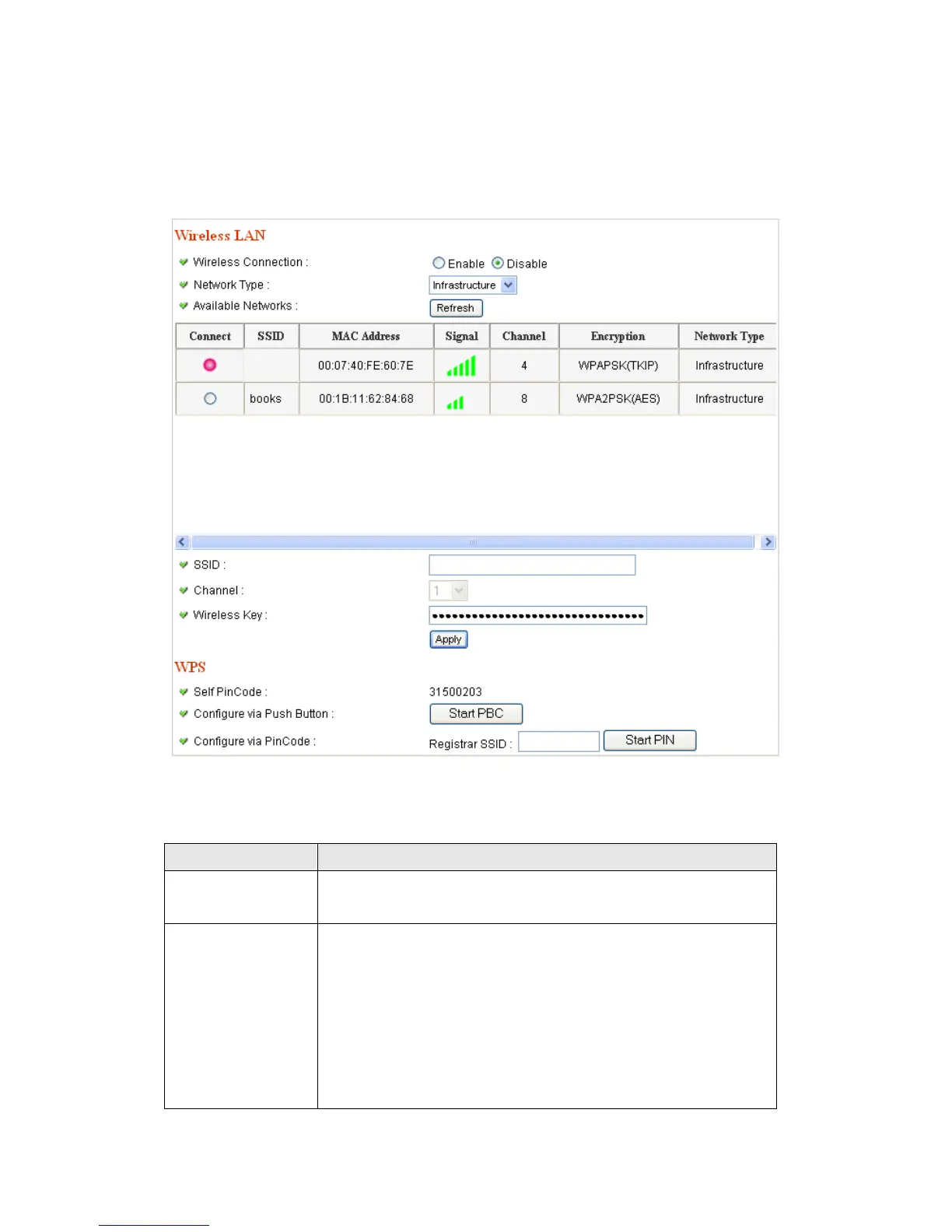
Select „Enable‟ to activate wireless network function of
this IP camera, select „Disable‟ to disable it.
Select the network type of wireless connection.
Available options are „Infrastructure‟ (Connect the IP
camera to a wireless access point), and „Adhoc‟ (This IP
camera will become a stand-alone wireless network
point, other wireless computers / devices can discover
this IP camera and connect to it without wireless access



 To Next Page