27
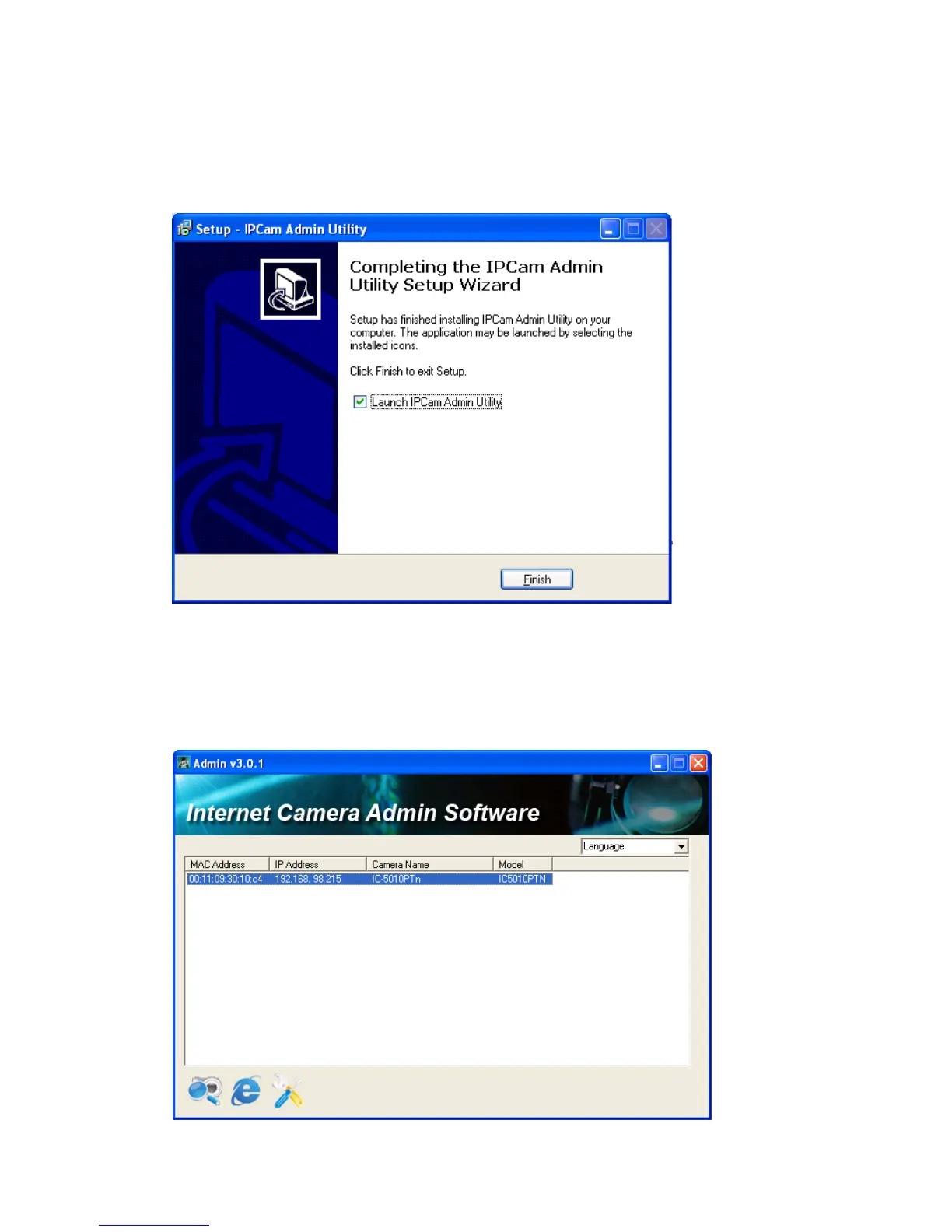
5. When you see this message, the installation of camera admin software is
complete. If you wish to launch camera admin software now, keep „Launch IP
Cam Admin Utility‟ box checked, and click „Finish‟ to close installation utility.
After the camera admin software is launched, all cameras found on your local
area network will be displayed:



 To Next Page