120
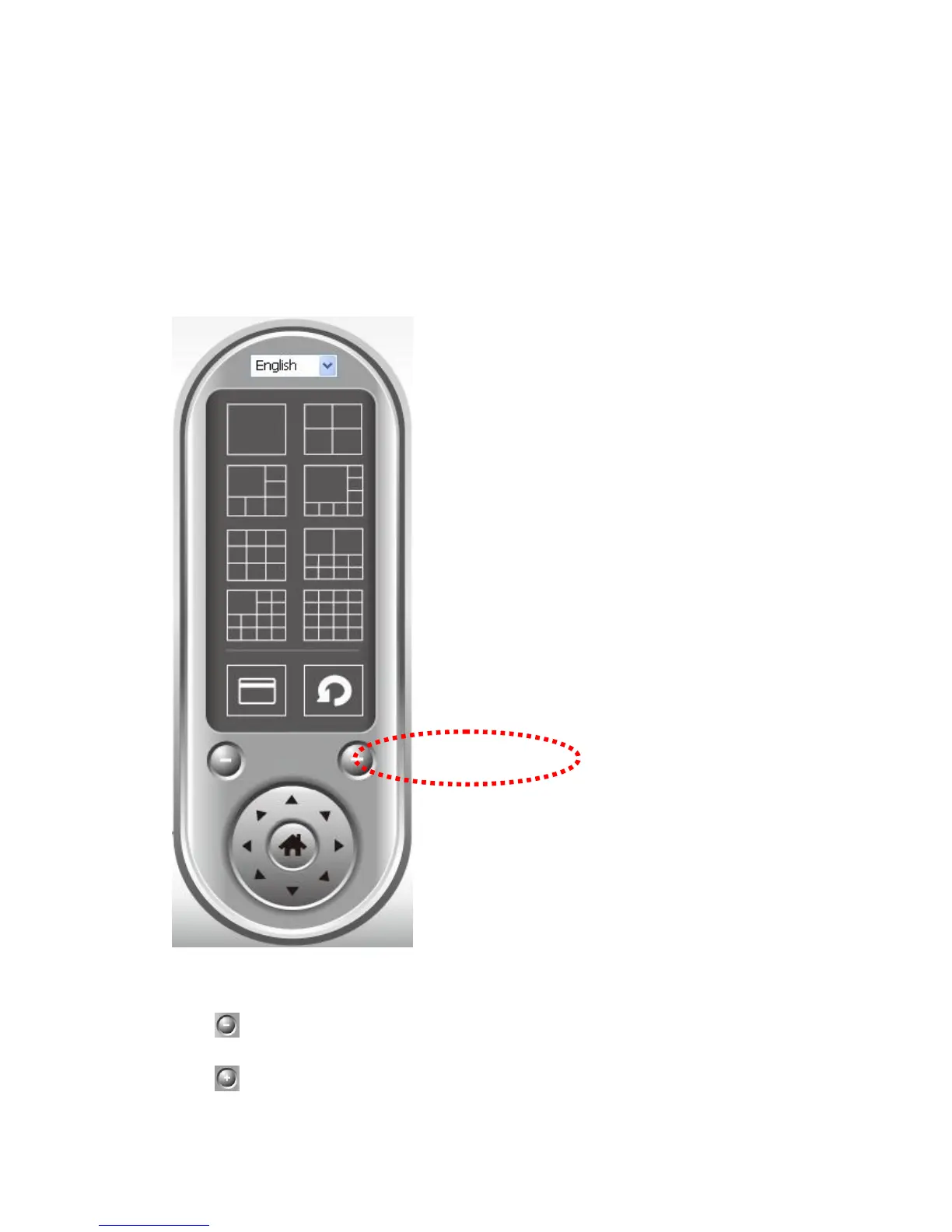
3.7 Zoom-in / Zoom-out
For cameras that support zoom-in / zoom-out function, you can use this
function to see more objects that fall in the scope of camera‟s view, or enlarge
the image size of a certain object to see its detail.
Please select a camera in video displaying area by clicking on its image, then
click button to see more objects that fall in the scope of camera‟s view, or
click to enlarge the image size of a certain object to see its detail (Before



 To Next Page