47
2.3.2 Guard Tour
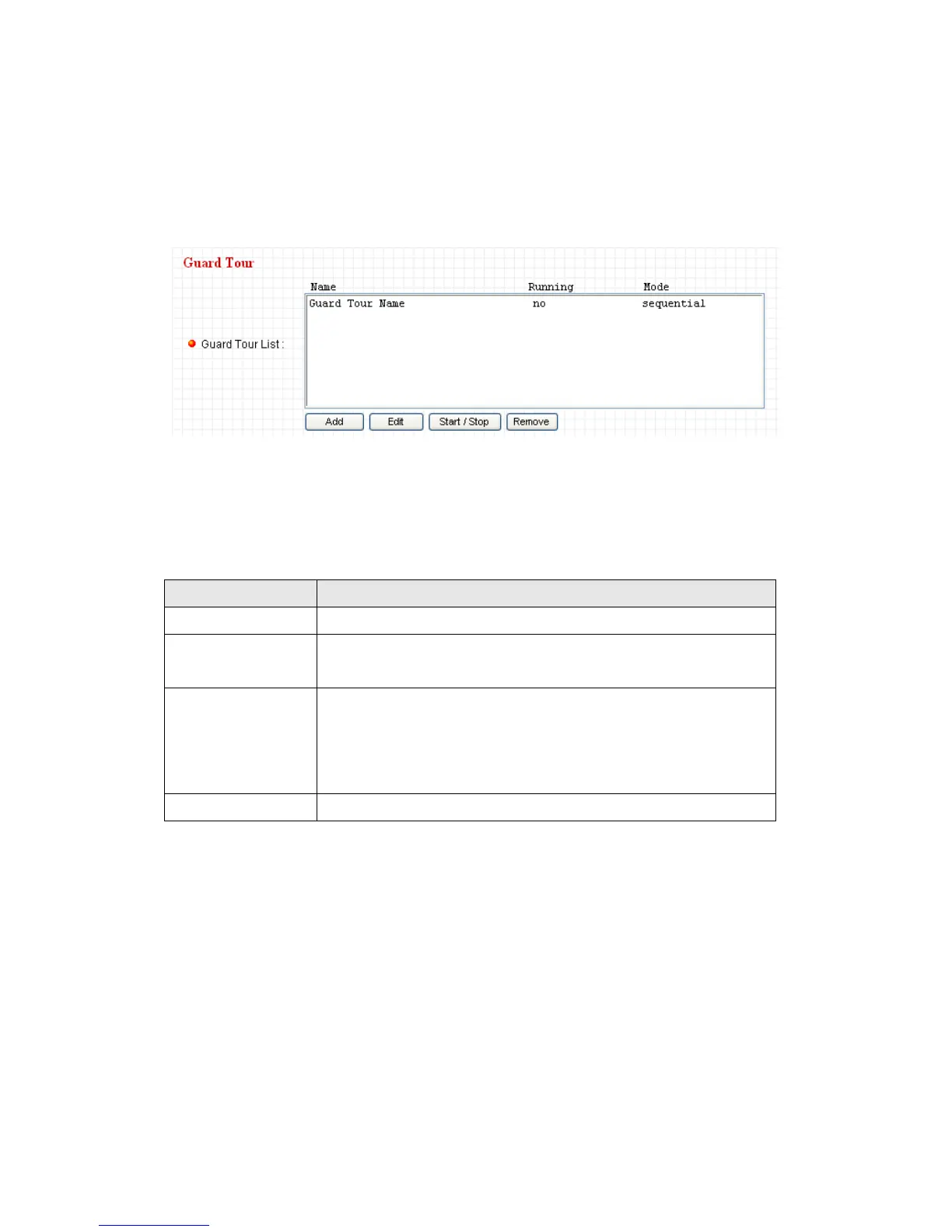
You can make the camera move between many pre-defined positions, and
define the time you wish to pause at every position; this is called as „Guard
Tour‟.
Before you can use this function, you have to define at least 2 positions in
„Preset Points‟ section (refer to last section for detailed information).
The descriptions of every setting in this menu will be given below:
Add a new set of guard tour (see instructions below)
Edit a selected guard tour. The parameters for an existing
guard tour will be recalled and you can modify them.
Select a guard tour and click this button to start guard
tour, click again to stop it. After a guard tour has been
started, go to „Camera‟ menu to see it in action. Only one
guard tour can be activated at the same time.
Remove a guard tour from the list.
If you wish to add a new set of guard tour, click „Add‟ to start to add a new
guard tour set:



 To Next Page