75
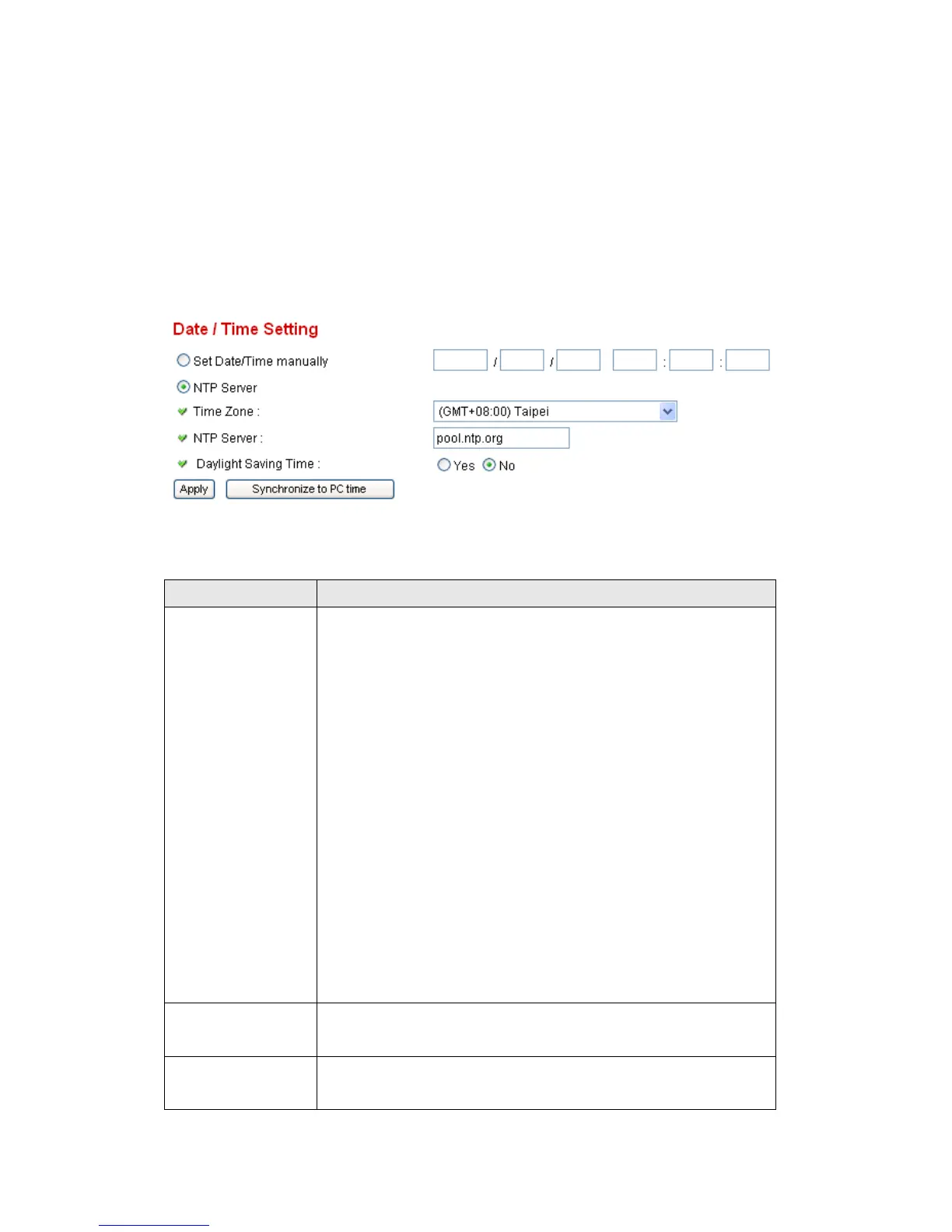
2.6.2 Date / Time Setting
This setting allows you to change the date and time of the real time clock in
this network camera. You can set the time manually, or use network time
protocol (NTP) to set the time automatically.
The descriptions of every setting in this menu will be given below:
If you select „Set Date/Time manually‟, you can set the
date and time of this camera manually. Please input the
date and time you wish to set here.
Date / time format is YYYY / MM / DD HH:MM:SS
Time is in 24-hour format.
You can click „Synchronize to PC time‟ to use the time of
the computer you‟re using.
Example: 24
th
August 2007 = 2007/ 08 / 24,
and PM 9:24:30 = 21:24:30
If you select „NTP Server‟, the camera will get the date
and time from NTP Server automatically.
Please input the IP address or host name of NTP server
here. You can use default value „pool.ntp.org‟, or ask your



 To Next Page