136
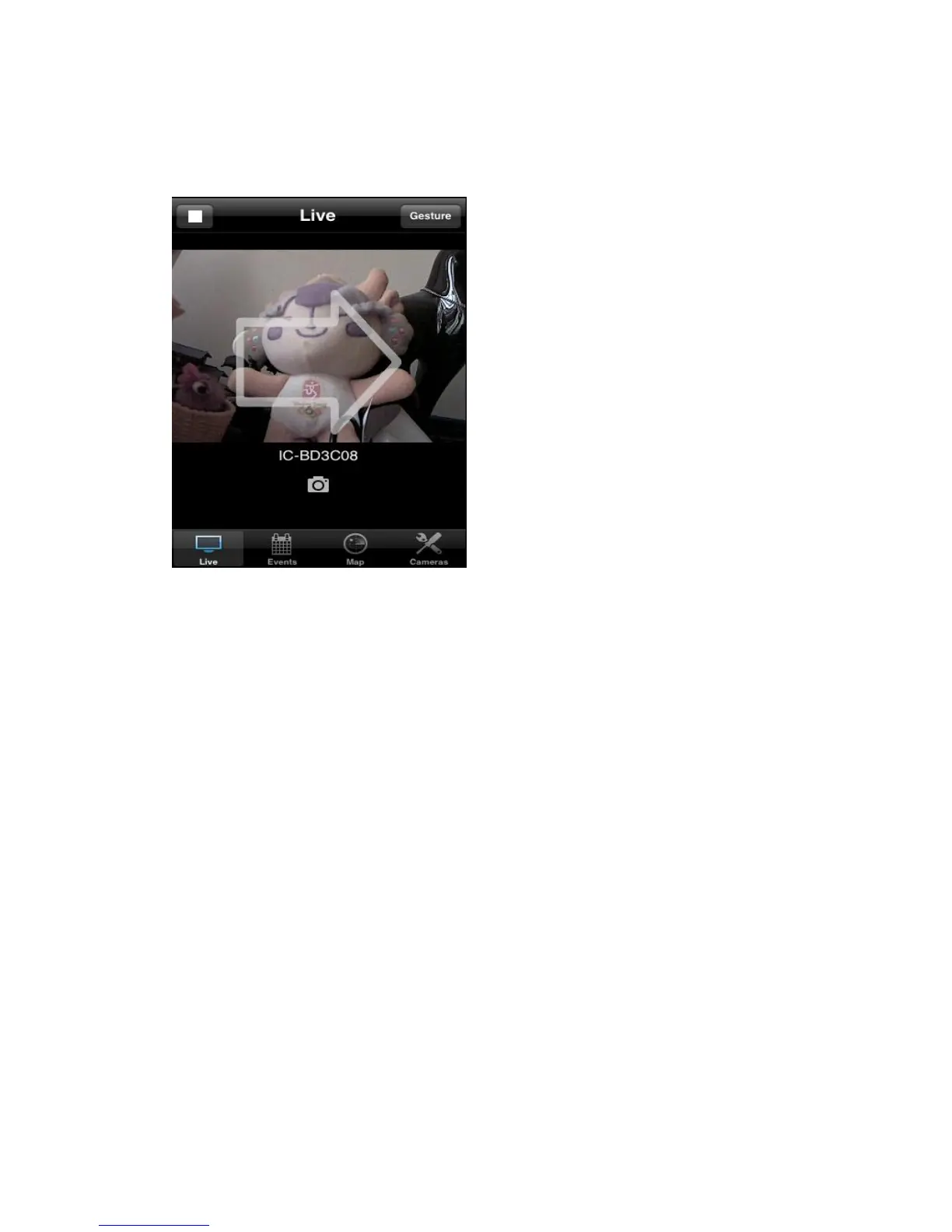
the button on the upper-right corner to switch to „Gesture‟ mode and use your
finger to slide on the live image view, and network camera will move as your
finger slides
A white arrow will also appear to indicate the direction of camera
movement.
Please note: If the button appears on upper-right corner shows ‘Switch’,
you can’t move camera.
To view events (motions detected by network camera), click „Events)
button below in network camera‟s live view



 To Next Page