145
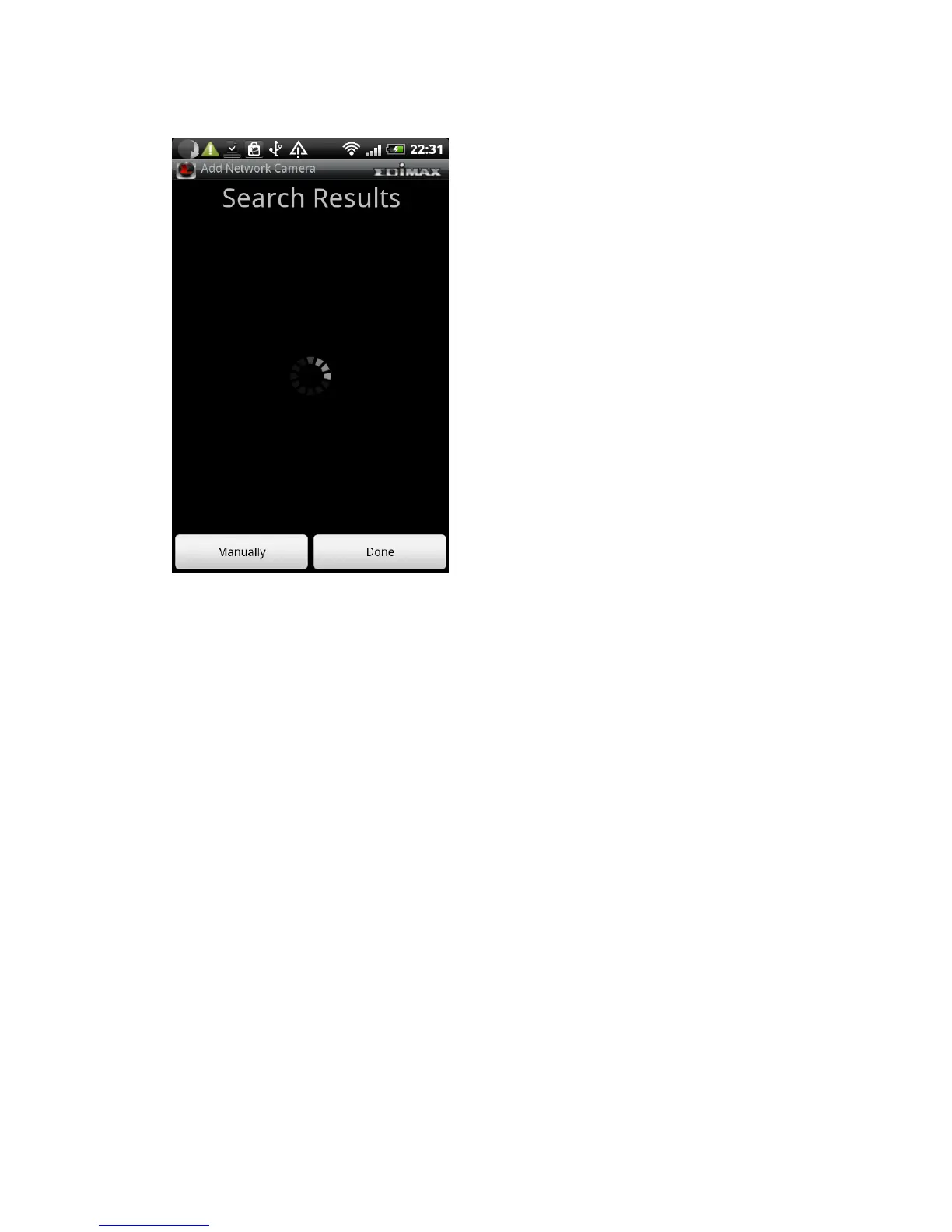
your Edimax network camera is located on your local area network.
If you want to add a Ediamx network camera on Internet, please click
‘Manually’ button to abort and setup network camera manually
In this page, you can input network camera‟s parameters manually
Name: You can define a name for this network camera to help you to
remember the purpose / location of this network camera
Cloud / IP Mode Switch: Click this button to switch operating mode between
Cloud and IP. In cloud mode you have to input Cloud ID**; In IP mode you have
to input IP address or host name of network camera
User Name: Input the user name of network camera. Default user name is
„admin‟
Password: Input the password of network camera. Default user name is „1234‟
Click „Add‟ to add a new network camera with parameters listed above.



 To Next Page